
Sliding gates and vehicle barriers
Assess compatible sliding gate controllers, boom gates and rising bollards. Agree the available operator commands and feedback, along with the safety devices and local controls needed for the installed equipment.
Coordinate connected vehicle entrances, service-yard access and included CCTV in one MagicKeys workspace. We assess access control for Melbourne warehouses, factories, distribution sites and industrial facilities around the way your operation moves.
The person in the gatehouse uses one workspace for the vehicle gates and the yard cameras.
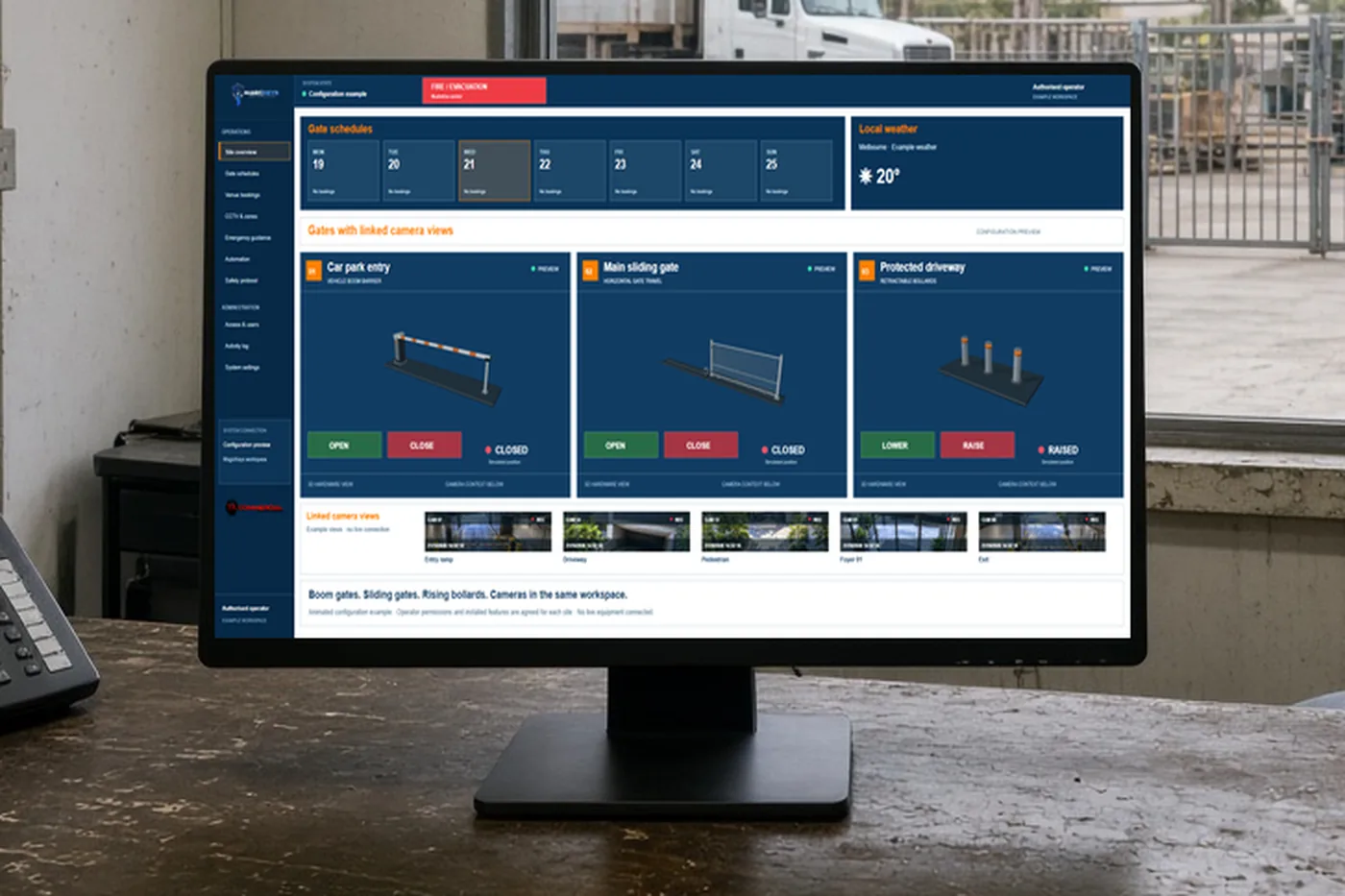
Example only. The screen is the MagicKeys workspace. This page does not open a gate.
Staff arrivals, delivery vehicles and after-hours contractors place different demands on an industrial entrance. Map the routes and handover points before defining the controls.
Assess compatible sliding gate controllers, boom gates and rising bollards. Agree the available operator commands and feedback, along with the safety devices and local controls needed for the installed equipment.
Discuss schedules for regular operating hours and approved service access. Confirm who can authorise exceptions and how the facilities or yard team handles arrivals outside the normal window.
Include relevant entry, exit and yard CCTV views where scoped. A nominated operator can review the entrance context within the workspace, while recorded activity helps the team understand configured access events.
Share a site plan, vehicle entrance details, current gate and camera equipment, operating hours and the people responsible for access decisions. Discuss pedestrian routes and the relationship between gate operation, forklifts and delivery vehicles. The access platform does not replace traffic management, physical separation or local gate safety systems; those arrangements must remain part of the site plan.
Agree which doors, gates and camera views belong in the workspace, who uses them and which parts of the current installation can be retained.
Define compatible connections, permissions, schedules and the expected response of each entrance before installation.
Check the agreed behaviour onsite, review available feedback and explain the operating workflow to nominated staff.
Discuss industrial access projects in Melbourne’s northern, western and south-eastern employment areas, including Thomastown, Epping, Campbellfield, Tullamarine, Truganina, Laverton North and Dandenong South. Installation suitability and the proposed equipment connections are confirmed for each project.
The app can be configured for multiple compatible entrances. We confirm the controllers, feedback and operating responsibilities for each gate before commissioning the agreed setup.
Discuss your shift patterns, delivery windows and approved exceptions with the team. The delivered schedules depend on the connected equipment and the agreed project requirements.
No. The local gate controller, safety devices and commissioned installation remain essential. A requested movement and a confirmed equipment response are treated separately.
The first picture is an RJL project photo. The other two are examples. In the proposal, we name the equipment we can connect. We cannot promise that every brand will connect.
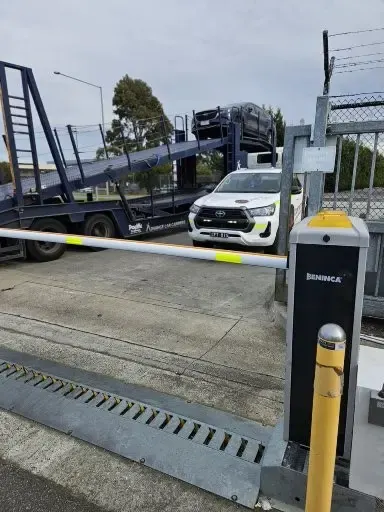
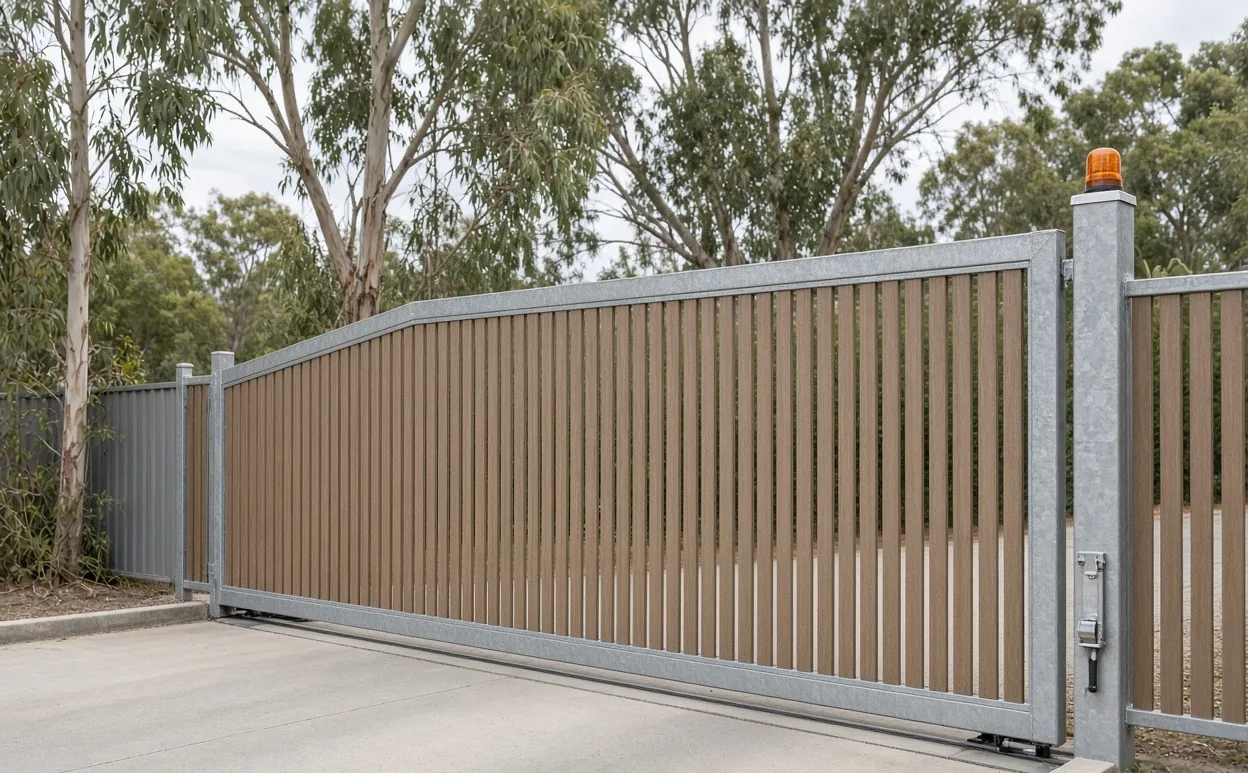
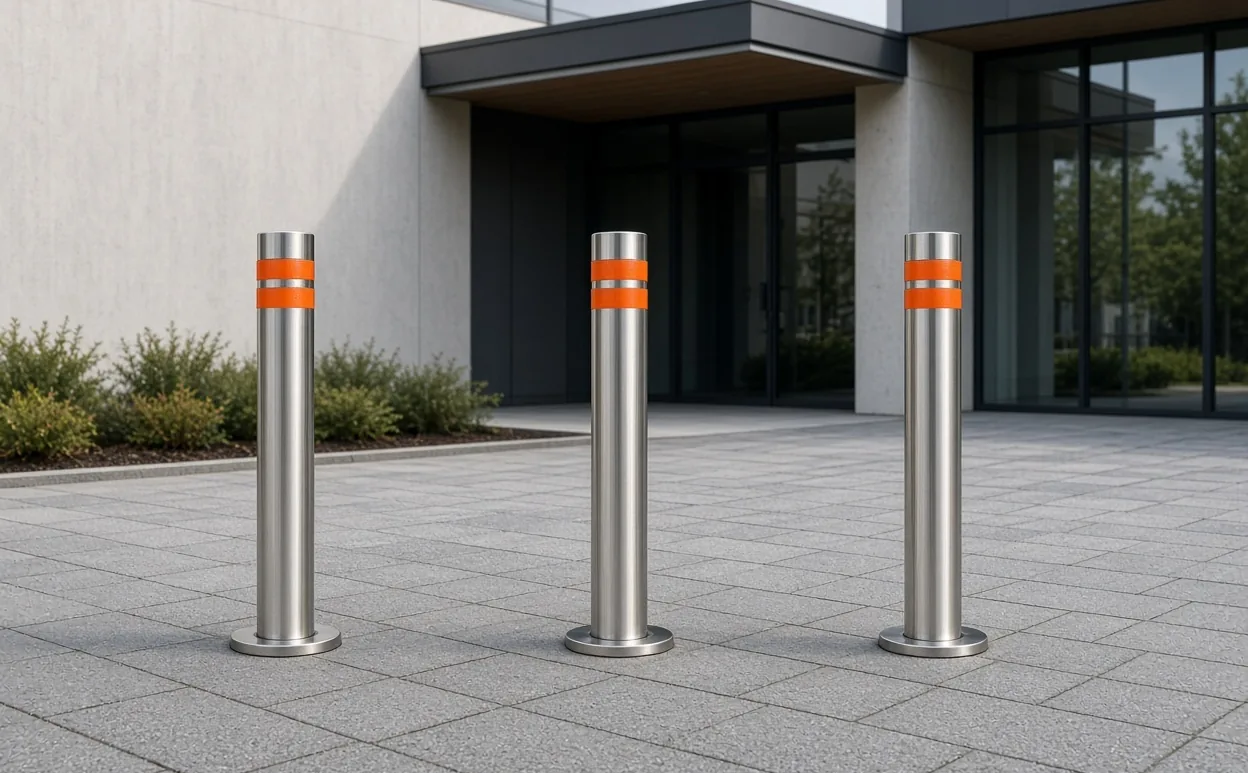
There is one photograph, so this card has no raised and closed switch. The spikes lie in the roadway. They are not attached to the boom arm. This entrance is not a school drop-off.
Call 0400 101 132 or share your location, equipment and priorities. The team will discuss a suitable MagicKeys assessment.