
Staff and service entrances
Discuss controlled staff doors, contractor arrivals and delivery access. Agree nominated operator roles and the access windows required for different parts of the facility, with compatible equipment assessed onsite.
Bring connected entrances, vehicle gates and included camera views into a MagicKeys workspace tailored to your facility. We discuss access control for Melbourne aged care operators, retirement villages and their facilities teams around the people who use each space.
The person on reception keeps the entrance and the weekly plan on one screen.
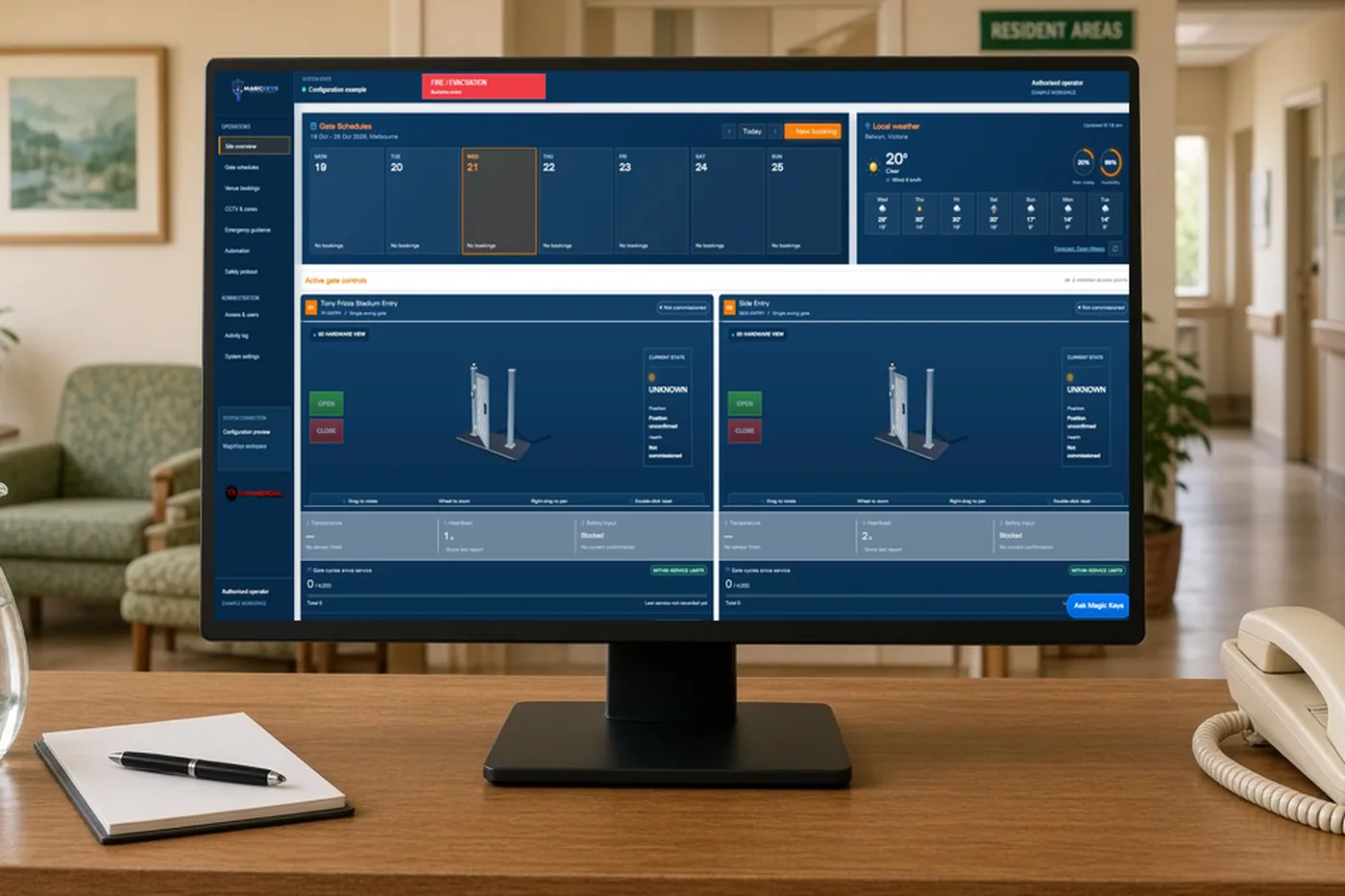
Example only. The screen is the MagicKeys workspace. This page does not open a gate.
Visitors, staff, service providers and residents have different needs. Define the access purpose of each entrance with your care and facilities teams before selecting equipment or setting operating rules.
Discuss controlled staff doors, contractor arrivals and delivery access. Agree nominated operator roles and the access windows required for different parts of the facility, with compatible equipment assessed onsite.
Bring compatible boom gates, sliding gates or rising bollards into a coordinated driveway workflow. Define reception responsibilities, visitor arrival arrangements and how staff confirm the entrance is clear before operating equipment.
Include relevant CCTV views and recorded access activity where agreed. Consider camera positioning, privacy expectations and who may review events. Any overhead detection needs to account for carers accompanying residents and people using mobility aids.
An aged care project needs input from facility management and the people responsible for care, privacy and emergency procedures. Map normal movement, supported movement, visitor access and service routes. Confirm how required emergency egress and accessible passage are maintained. MagicKeys is an access management platform; it is not a clinical monitoring system, resident supervision service or guarantee that someone cannot leave a facility.
Agree which doors, gates and camera views belong in the workspace, who uses them and which parts of the current installation can be retained.
Define compatible connections, permissions, schedules and the expected response of each entrance before installation.
Check the agreed behaviour onsite, review available feedback and explain the operating workflow to nominated staff.
For Melbourne aged care facilities and retirement villages, discuss the main reception, staff areas, service driveways and shared village amenities together. We assess a practical integration scope for the particular site rather than applying the same access restrictions to every entrance.
It depends on the doorway and its purpose. Carers may need to accompany residents, so a simple one-person rule may be inappropriate. We assess the detection area, assisted passage, operating procedures and emergency arrangements before proposing any interlock.
The workspace can be customised around nominated operator responsibilities. The agreed scope defines which controls each role needs and how access changes are managed.
Compatibility depends on the installed equipment and available interfaces. Share your controller and camera details so the team can assess which connections and feedback can be delivered.
A single staff door and a double foyer door. Both are examples. We look at the controller, the readers and the locks.
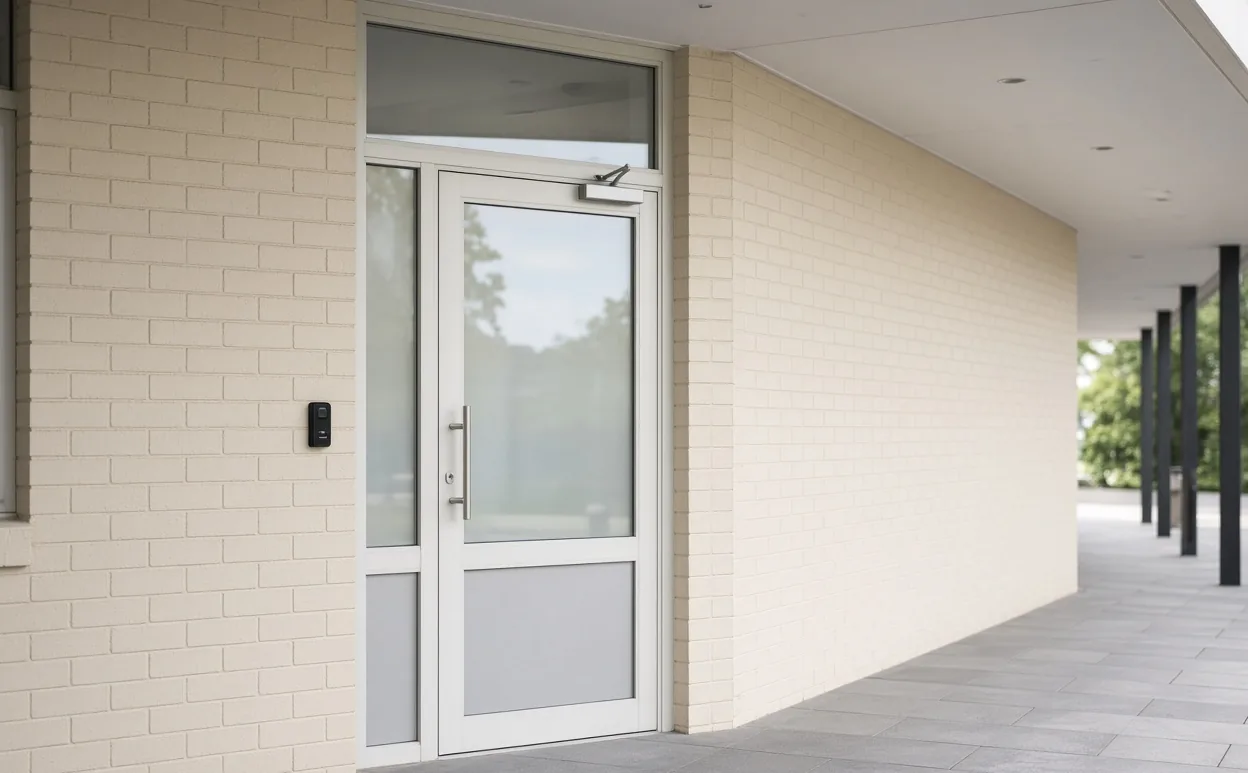
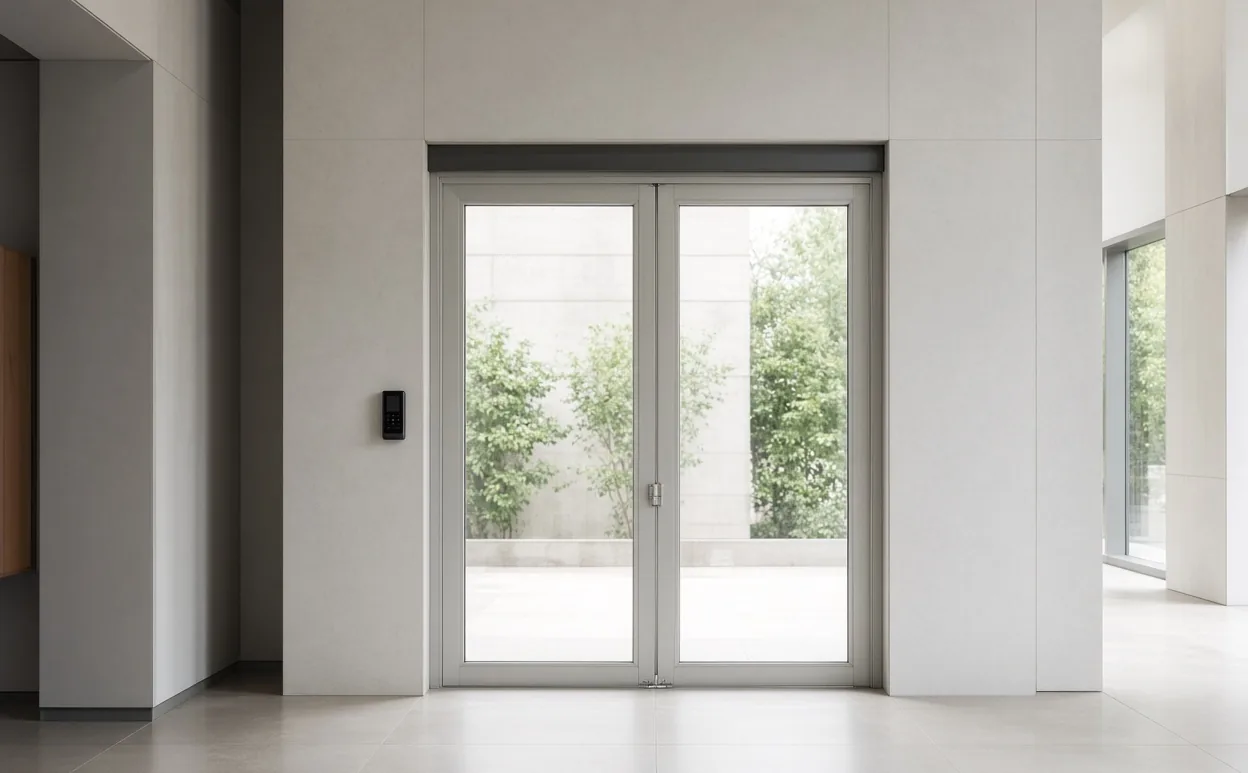
We confirm the readers and the door controller on the doors you already have. We cannot promise that every door or every brand will connect.
Call 0400 101 132 or share your location, equipment and priorities. The team will discuss a suitable MagicKeys assessment.