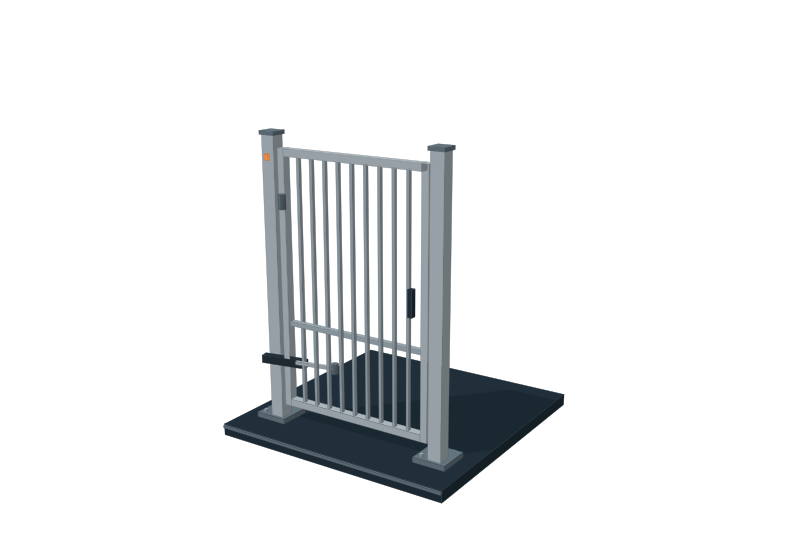
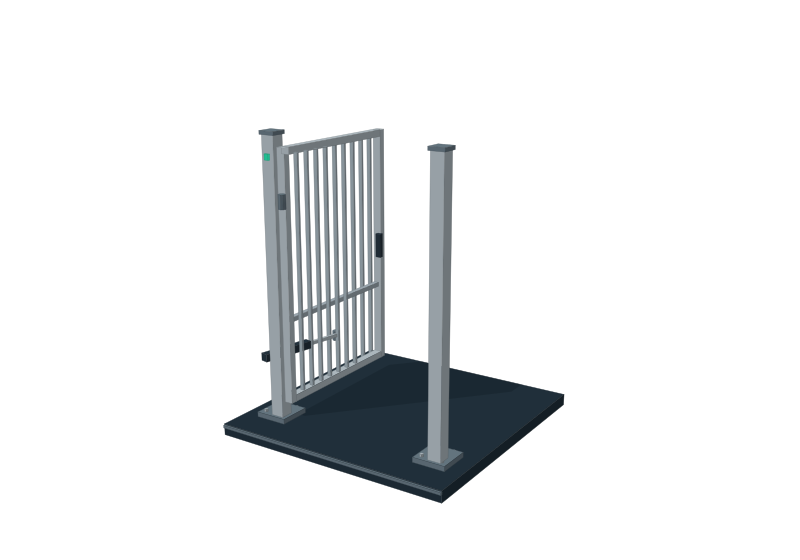
Single swing gates
Keep a smaller pedestrian or side entrance visible to the operators responsible for it.

Give authorised operators a consistent workspace for connected gates and boom barriers. Organise entrances by your site, plan approved access windows and keep requested actions distinct from confirmed equipment feedback.
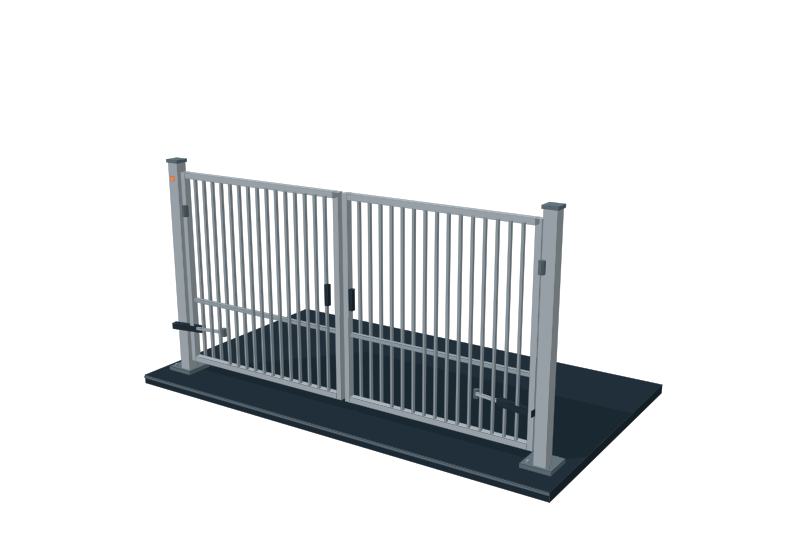
Open and close a sample gate, or preview a person-detection alert. This browser demonstration uses simulated states and has no connection to physical equipment.
INTERACTIVE DEMO · SAMPLE DATA
Open or close the 3D gate. Drag the model to inspect its frame and hinges.
The portal is tailored to the entrances you have. Controllers, connection options and position feedback are assessed as part of the installation.
Keep a smaller pedestrian or side entrance visible to the operators responsible for it.
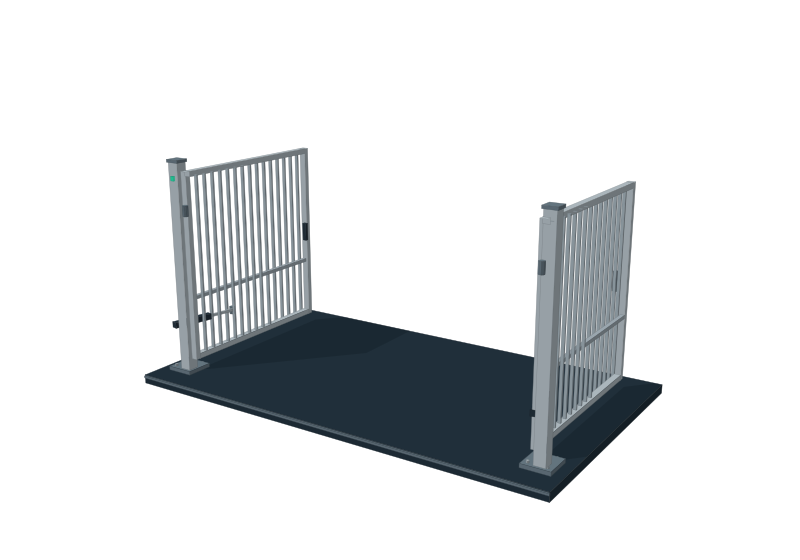
Bring the two-leaf entrance into a clear control card, with operating rules agreed for the site.
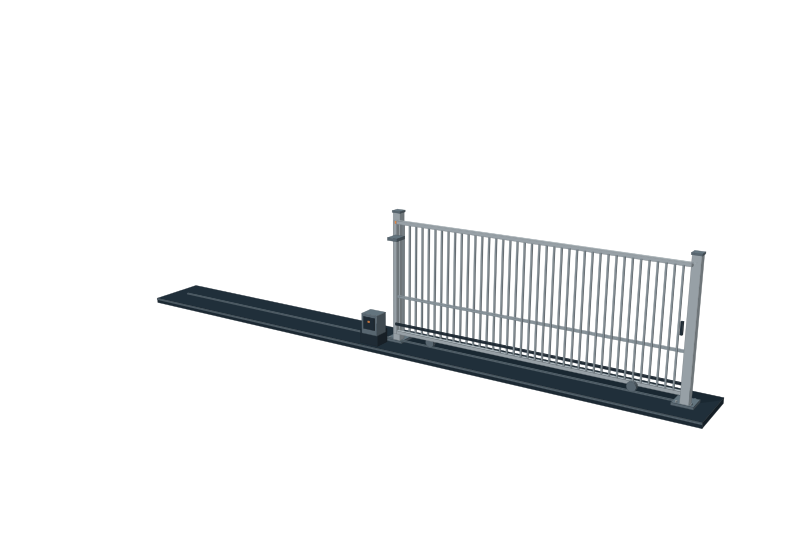
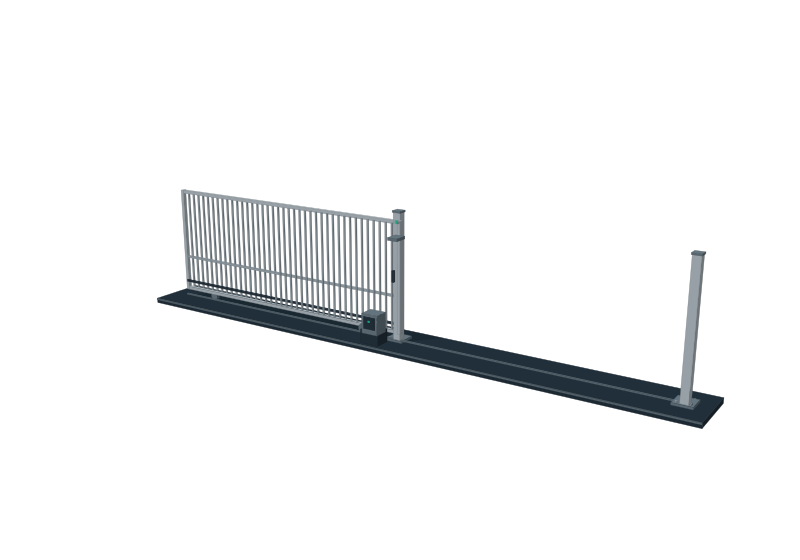
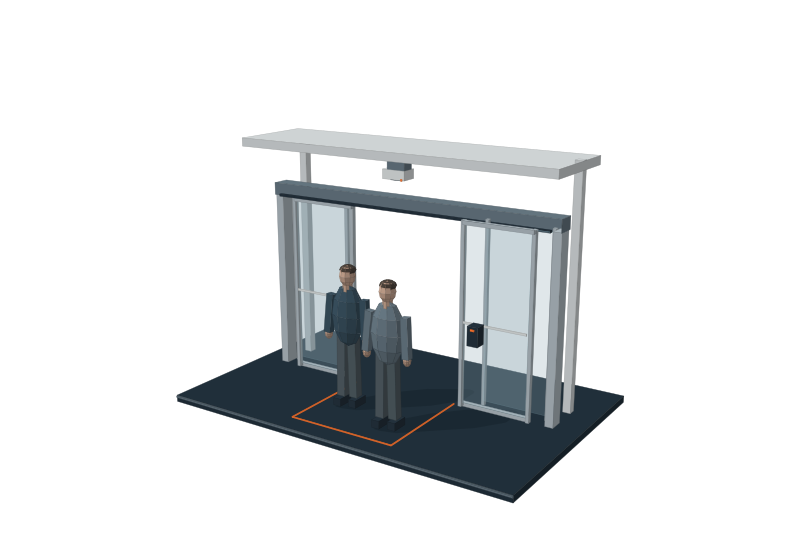
Manage a connected sliding entrance alongside the other access points in your workspace.
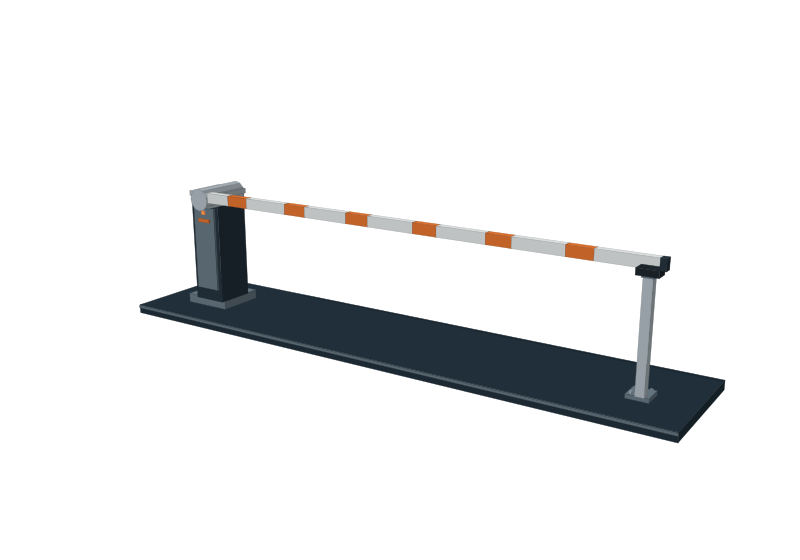
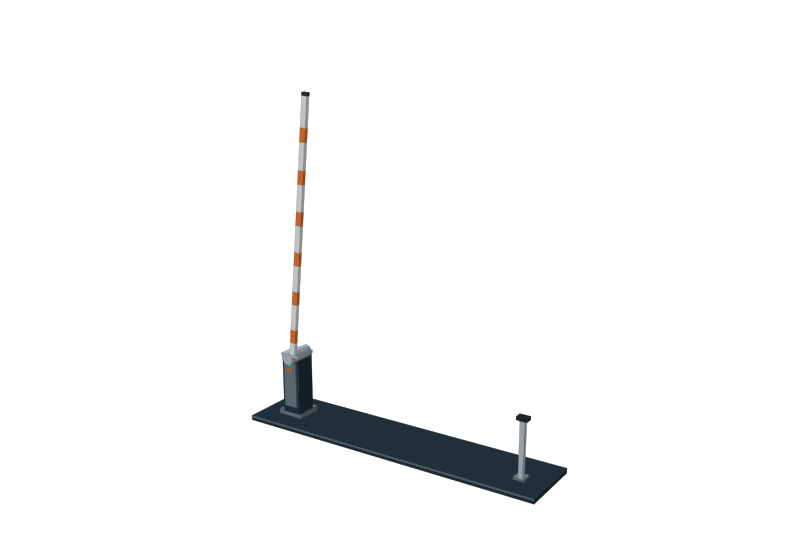
Organise entry, exit and visitor-lane controls around your parking or vehicle-access requirements.
A request to open a gate and a confirmed open position are different pieces of information.
Where connected feedback is commissioned, the workspace can show reported responses. A missing or unconfirmed position remains clear to the operator.
Configure which nominated operators can access the controls for their site. Discuss shared entrances, operating hours and exception handling during setup.
Local safety devices and controller behaviour remain part of the physical gate installation. Operation, feedback and agreed procedures are checked onsite before handover.
Share the gate types, controllers and access routines at your site. We will assess the connections and propose a suitable setup.