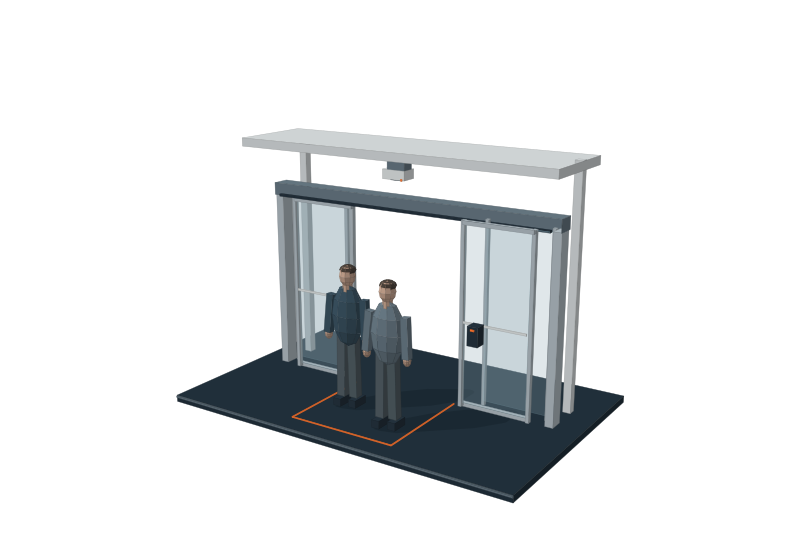
A clearer working day
Find configured entrance controls, access windows and recorded activity in one site workspace.

Access control, CCTV, schedules, bookings and activity belong together. MagicKeys brings them into a fully customisable app, so your team can manage the connected parts of your site with clarity.
YOUR SITE / YOUR CONFIGURATION
Find configured entrance controls, access windows and recorded activity in one site workspace.
Customise the app around your site layout, authorised operators and agreed operating procedures.
Combine access information with compatible CCTV views and configured alerts where included in your project.
Explore real screens from the existing MagicKeys portal: gate controls, access schedules, venue bookings and reported responses.
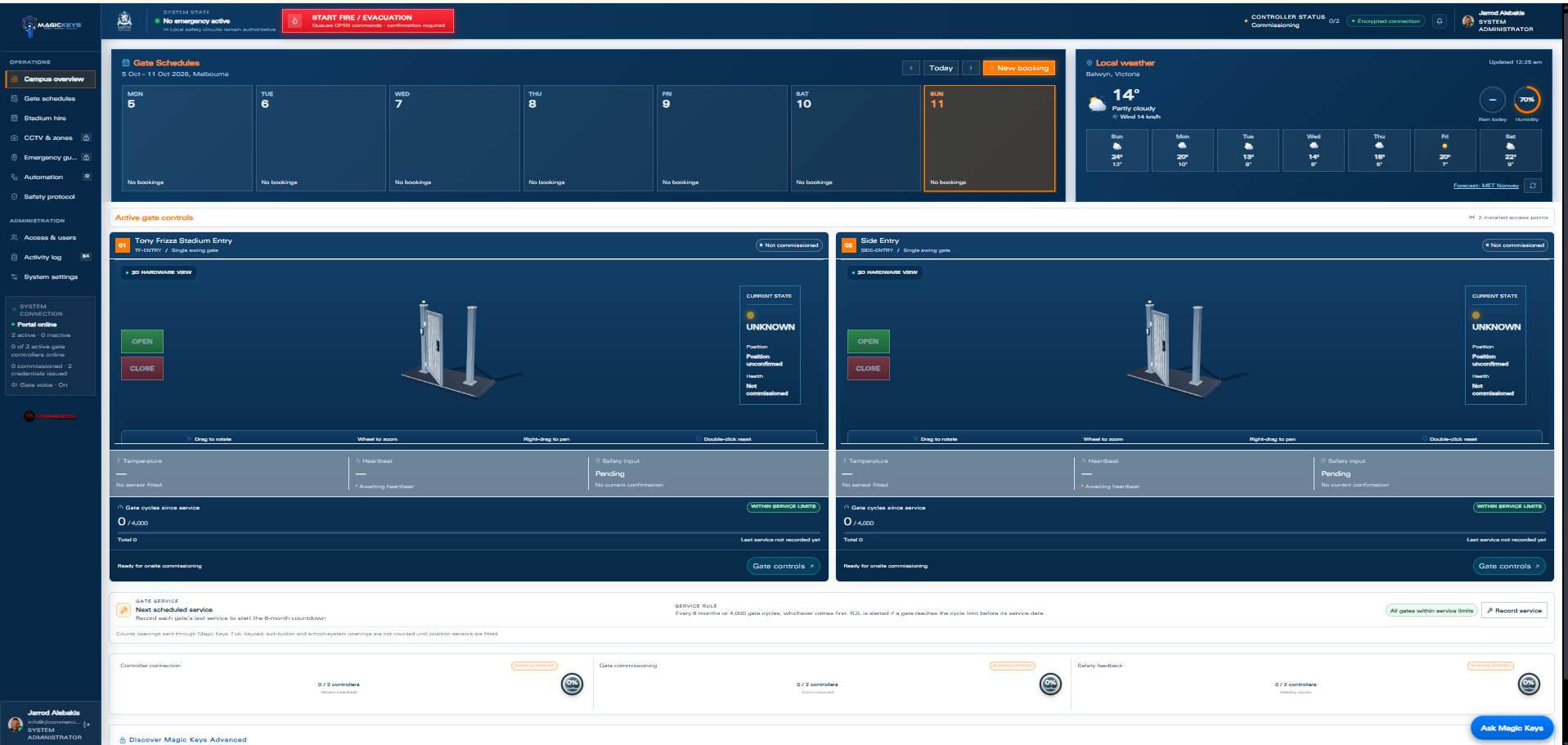
Supplied portal screens shown during setup. Each client workspace is configured for its site.
Venue hire and configured gate-access windows can be planned together.
Keep configured service intervals and cycle information alongside the equipment.
Give authorised users the access and controls agreed for their site.
Explore the supplied portal screens and equipment. Select an image for a closer view.
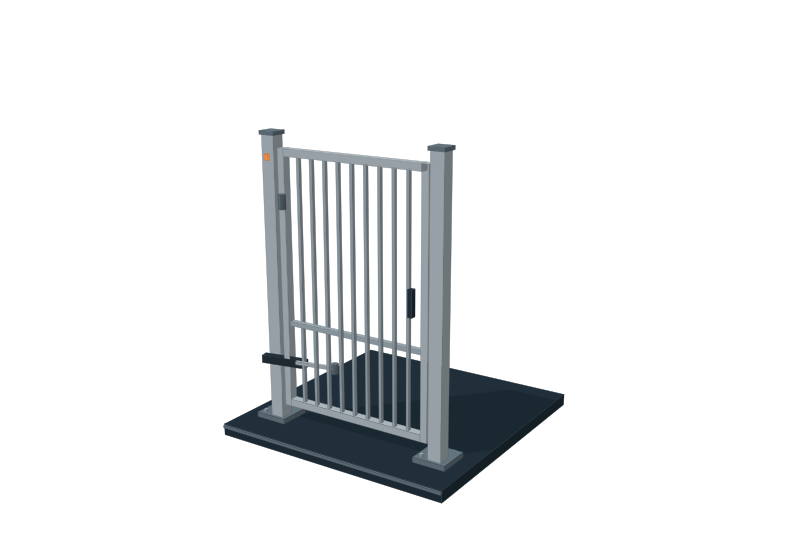
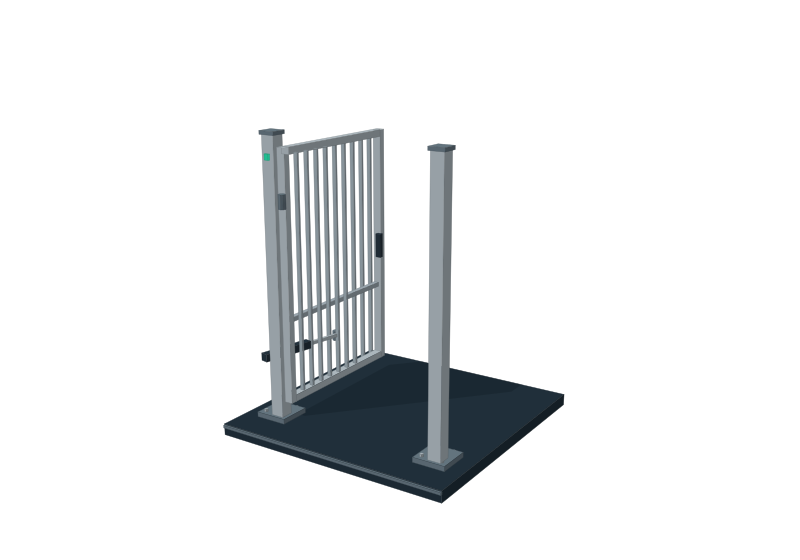
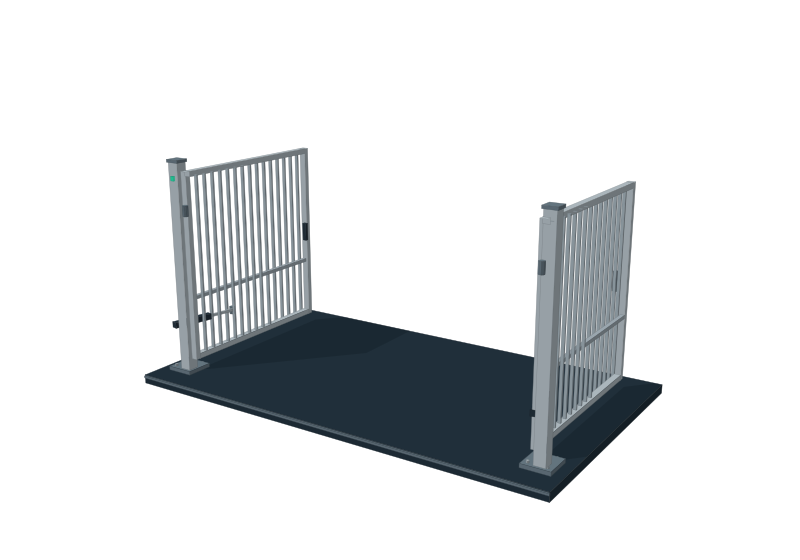
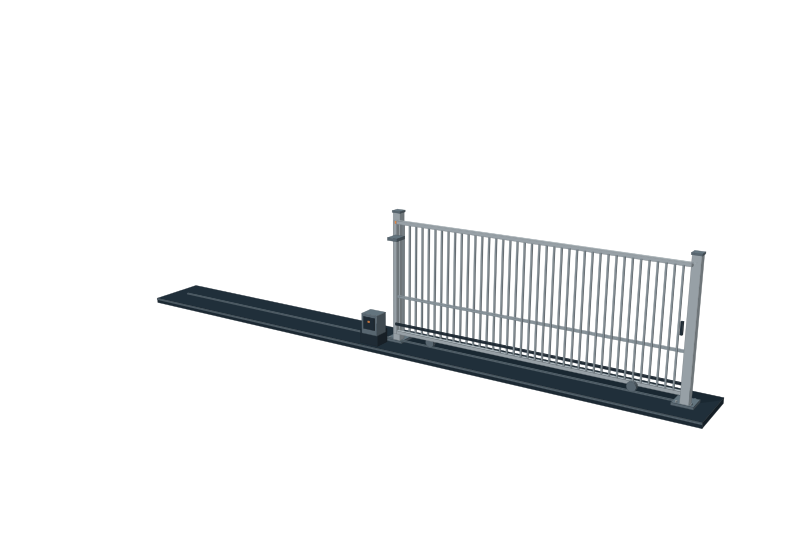
Portal setup screens and illustrative package examples. Scroll through the gallery or select any image for a larger view.
Your gates, access schedules and activity records, organised around the people and equipment at your site.
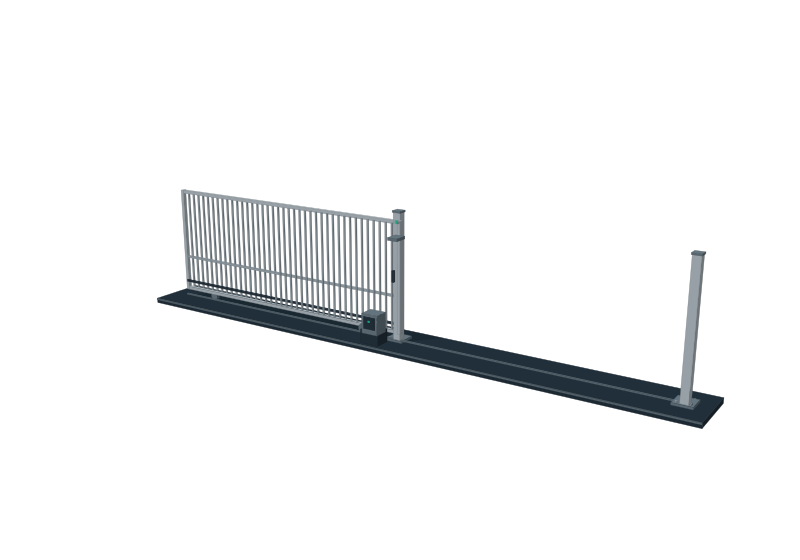
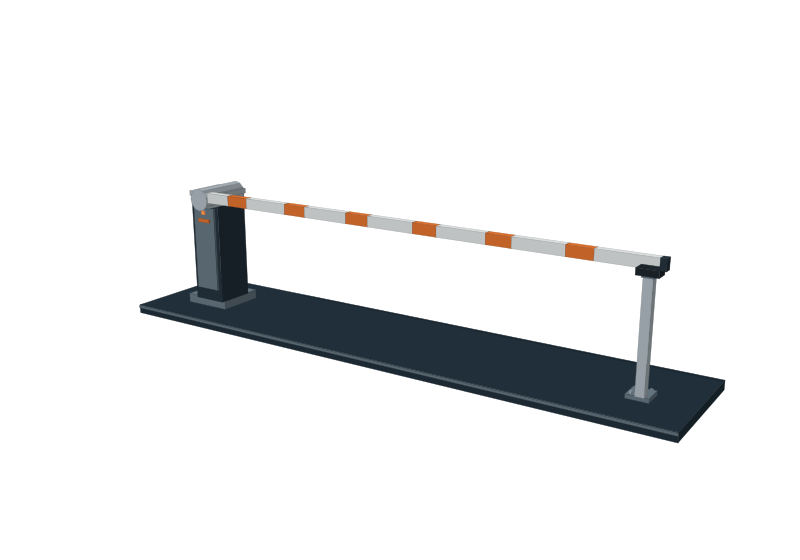
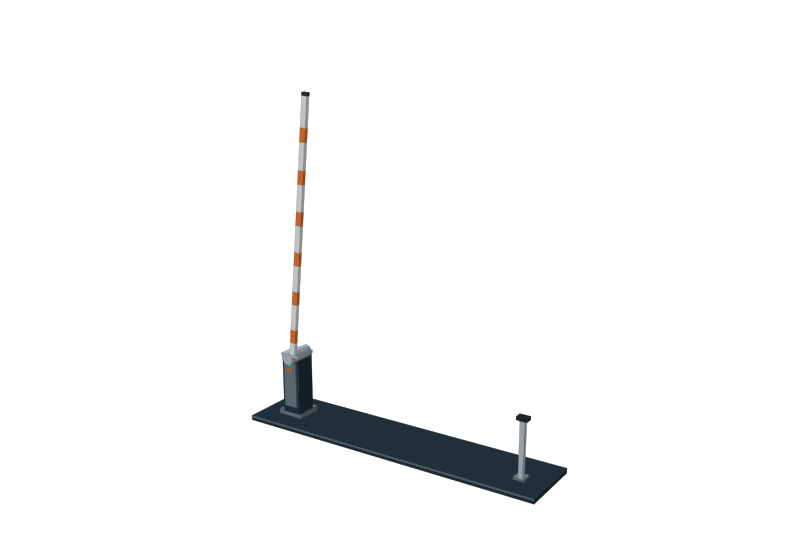
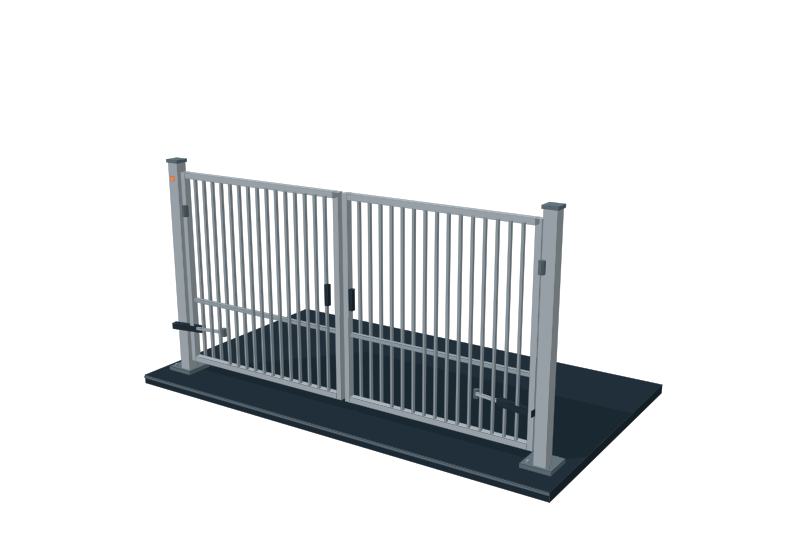
Swing, sliding and boom-gate controls, organised by access point. Give authorised operators a consistent way to manage the connected entrances at your site.
Plan approved access hours around daily operations and venue hire, with schedules applied through your configured onsite setup.
Review recorded access events and operator actions, with requested movements and reported gate positions kept clear.
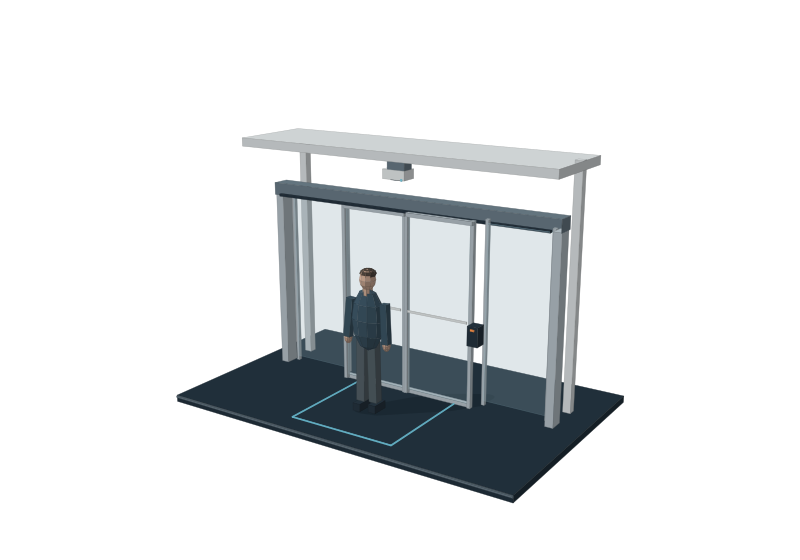
Route configured person-detection events to the nominated people for your site, using compatible detection equipment.
A useful access system supports the way your site operates before, during and after the gate moves.
Set approved access windows for everyday operations and after-hours activity. The weekly schedule view makes planned access easier for your nominated operators to review.
Bring approved bookings and configured entrance access into the same planning conversation. A school, shared venue or commercial site can have a workflow tailored to how it manages hire.
Review recorded operator actions and access events. Configured service intervals and equipment information help your team keep the installation in view.
Talk through the controls, camera views and workflows your team needs. We will map the right MagicKeys configuration for your operation.