Dashboard and site layout
Organise the workspace around your entrances, areas and included modules. Make the controls your team needs easy to find.

MagicKeys is fully customisable to suit each client’s requirements. Shape the dashboard, connected entrances, CCTV views, access rules and workflows around the people who use your site.
YOUR SITE / YOUR CONFIGURATION
Customisation goes beyond adding a site name. We work through what your team needs to see, control and manage, then agree the app and installation scope.
Organise the workspace around your entrances, areas and included modules. Make the controls your team needs easy to find.
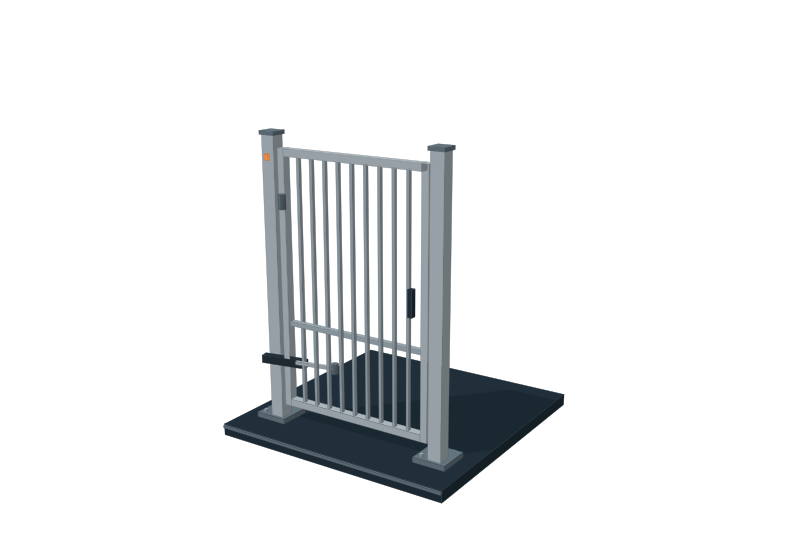
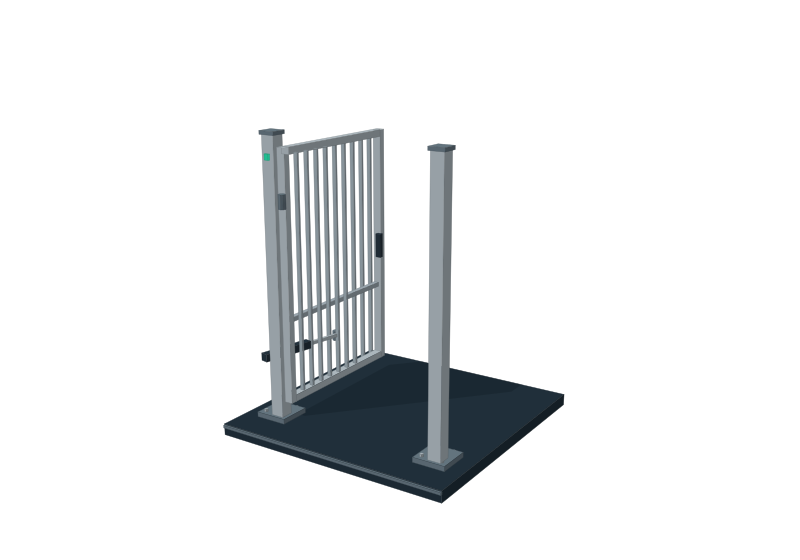
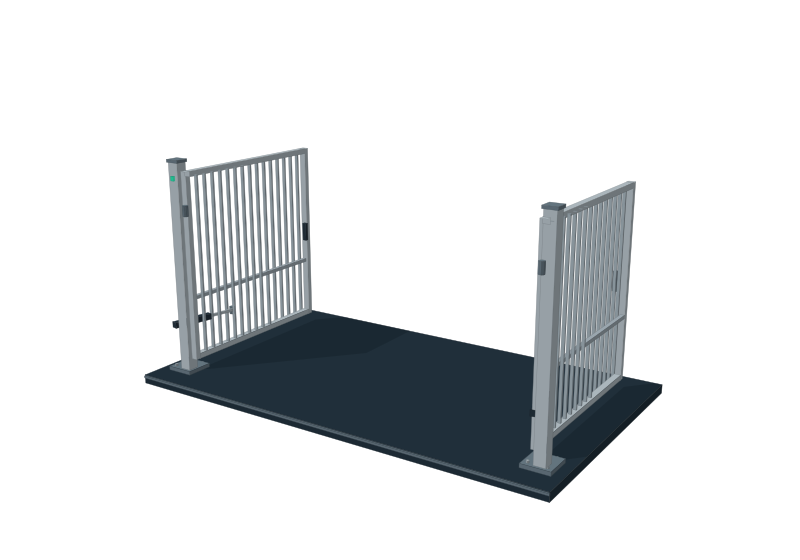
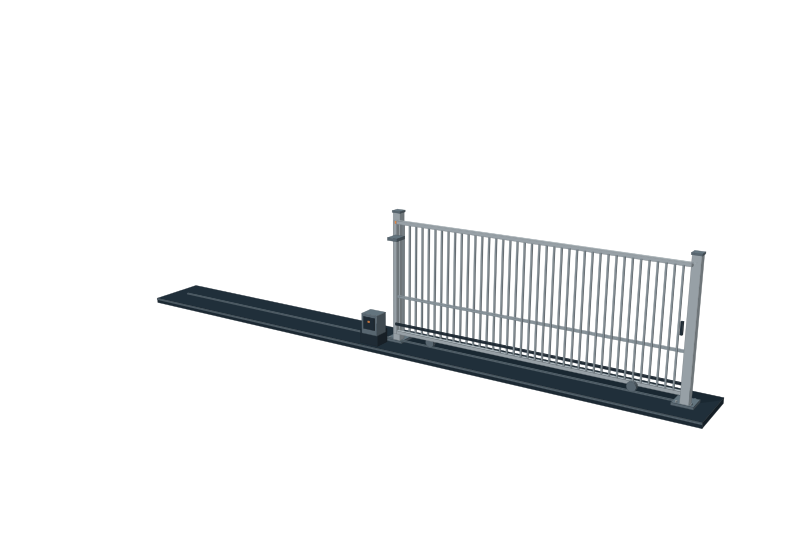
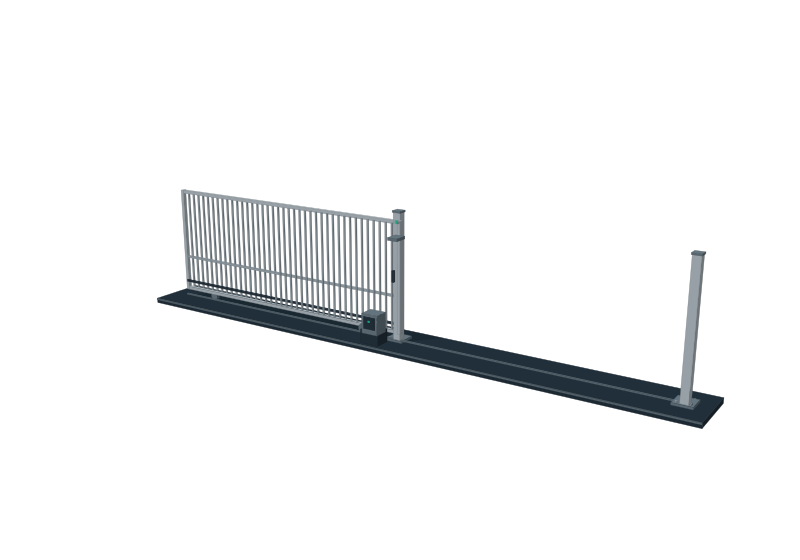
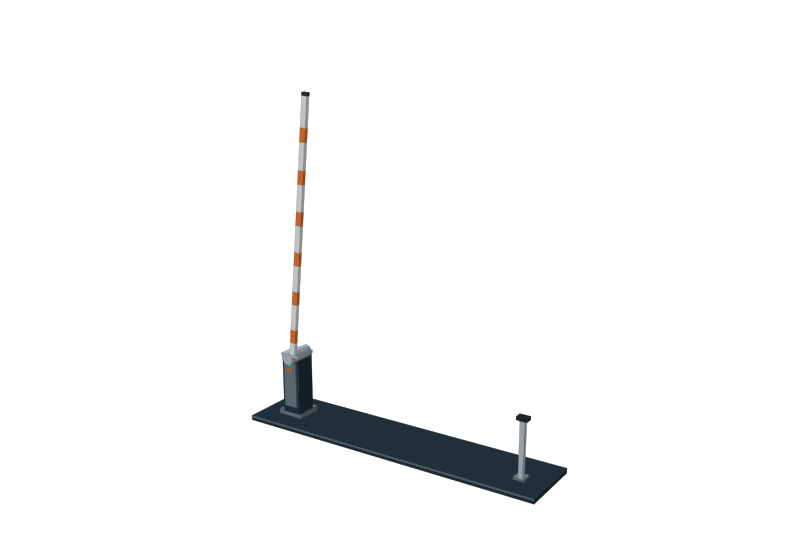
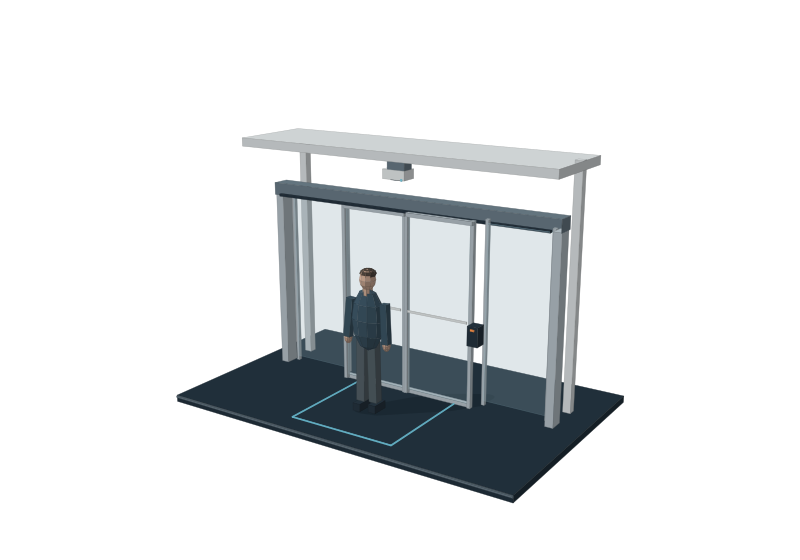
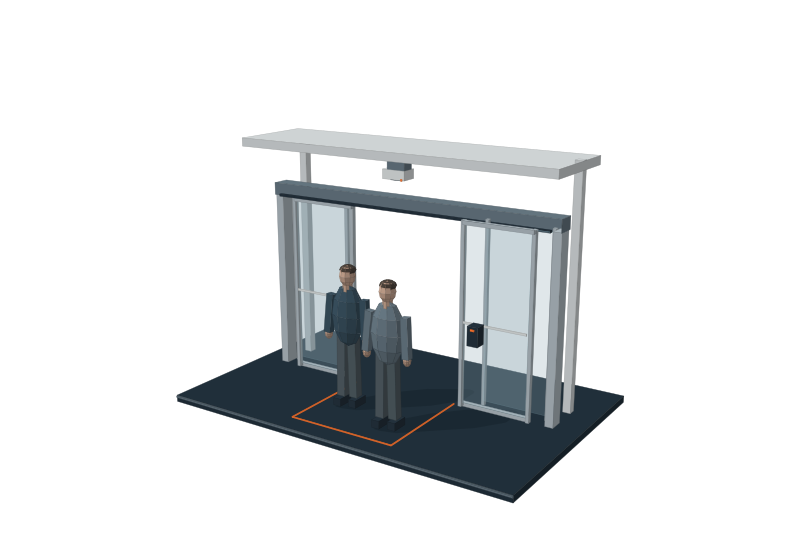
Include connected boom, swing and sliding gates alongside compatible CCTV views and configured detection equipment.
Define your authorised operators and the access responsibilities agreed for each role.
Tailor access windows, booking routines and event response around the way your client operates.
Try the controls across two boom gates and two double gates. This configuration example runs in your browser and is disconnected from physical equipment.
COMMERCIAL SITE / SIMULATED CONTROLS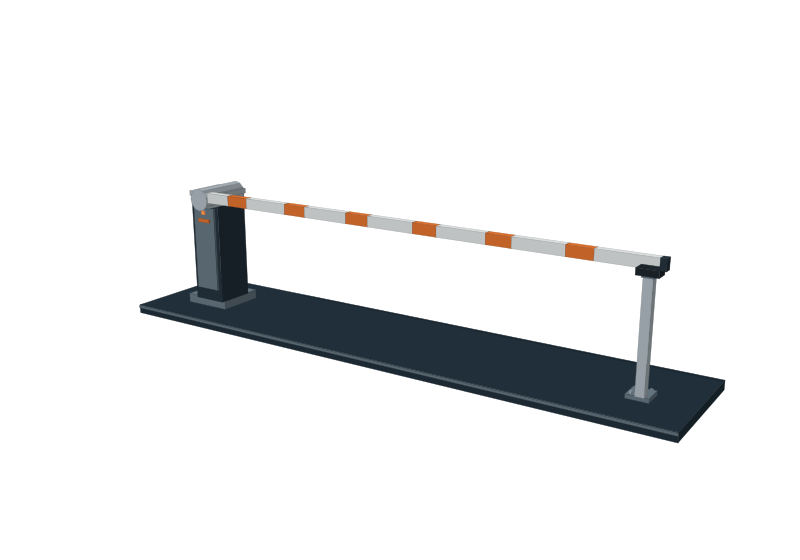
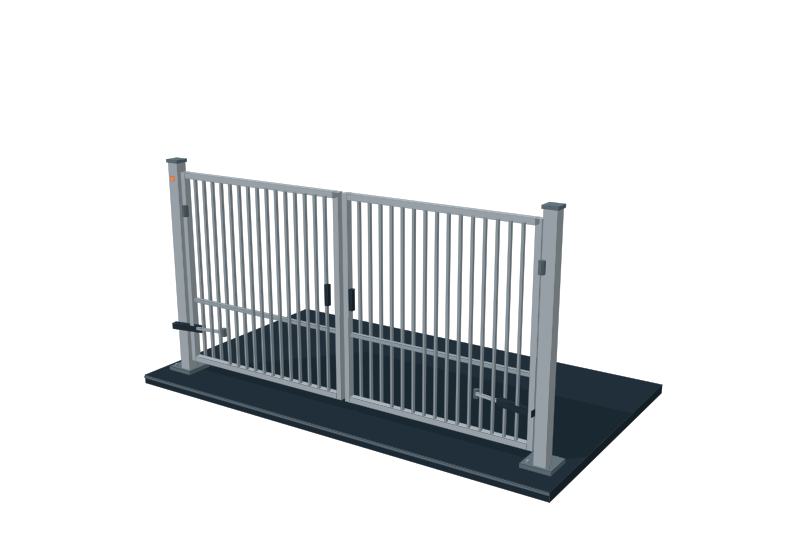
Configuration example · Sample controls and equipment · No live commands or notifications
These examples show how MagicKeys can be presented for different equipment and operating needs. They illustrate configurations rather than completed client installations.
YOUR SITE / YOUR CONFIGURATIONStart with your equipment and working day. We will identify the connection options, tailor the workflow and confirm what can be delivered.
Share the entrances, controllers, cameras and other systems already in place. We assess compatibility and practical connection options.
Explain who needs to use the system, which tasks take time and how you want access, CCTV and alerts to work together.
We define the app changes, equipment connections and commissioning scope in the project proposal. Additional integrations are confirmed before inclusion.
Bring your requirements to the team. We will work through a fully customised configuration for your client and site.