Bookings with context
Venue hire and configured gate-access windows can be planned together.
INTELLIGENT ACCESS. CLEAR CONTROL.

Gates. People. Spaces.
Control connected gates, plan access schedules and see your site’s activity in one workspace. Add person-detection alerts, CCTV and Emergency Guidance to suit your site.

ANIMATED PORTAL CONTROLS · EXAMPLE MOVEMENT

Explore real screens from the existing MagicKeys portal: gate controls, access schedules, venue bookings and reported responses.
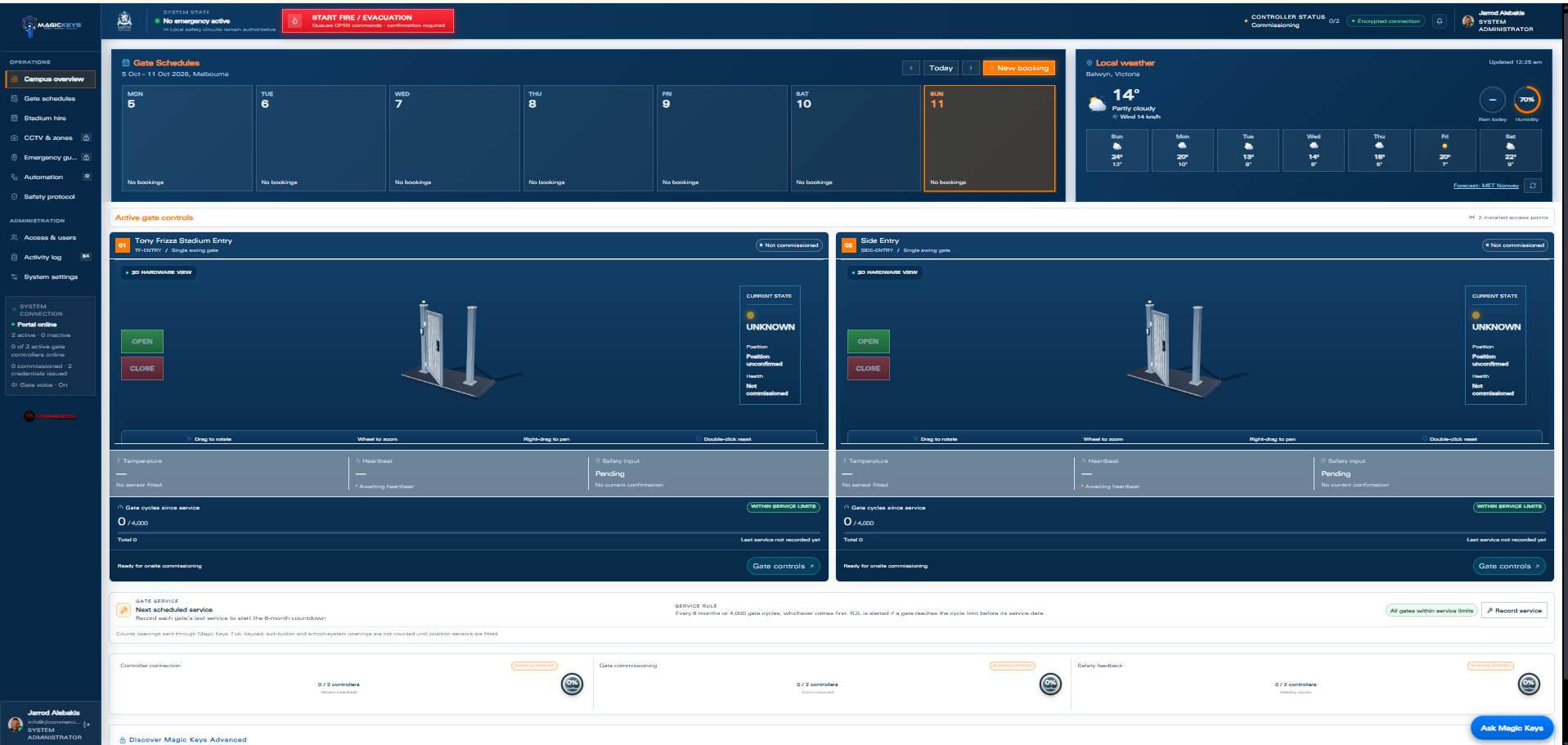
Supplied portal screens shown during setup. Each client workspace is configured for its site.
Venue hire and configured gate-access windows can be planned together.
Keep configured service intervals and cycle information alongside the equipment.
Give authorised users the access and controls agreed for their site.
Every supplied screen and equipment image, ready to enlarge.
Portal setup screens and illustrative package examples. Scroll through the gallery or select any image for a larger view.
Your gates, access schedules and activity records, organised around the people and equipment at your site.
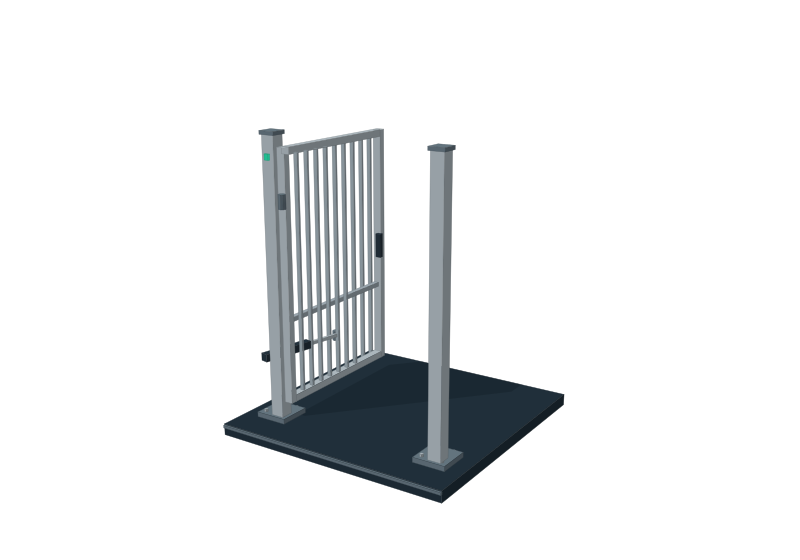
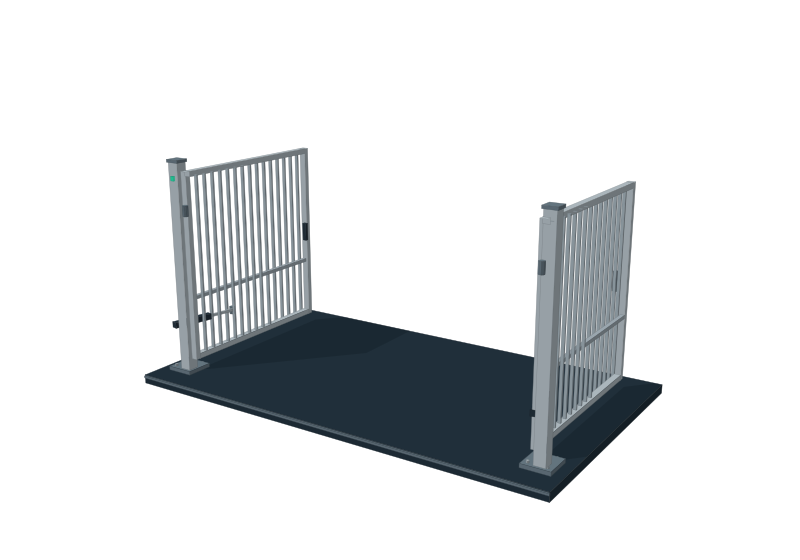
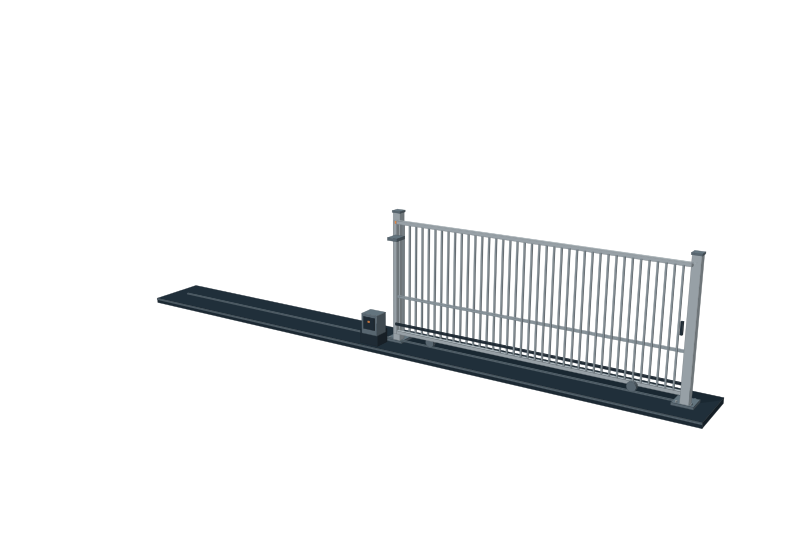
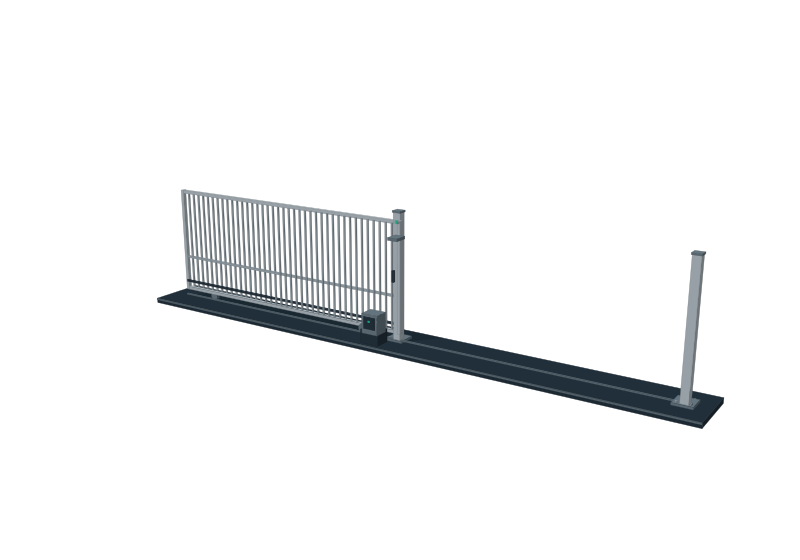
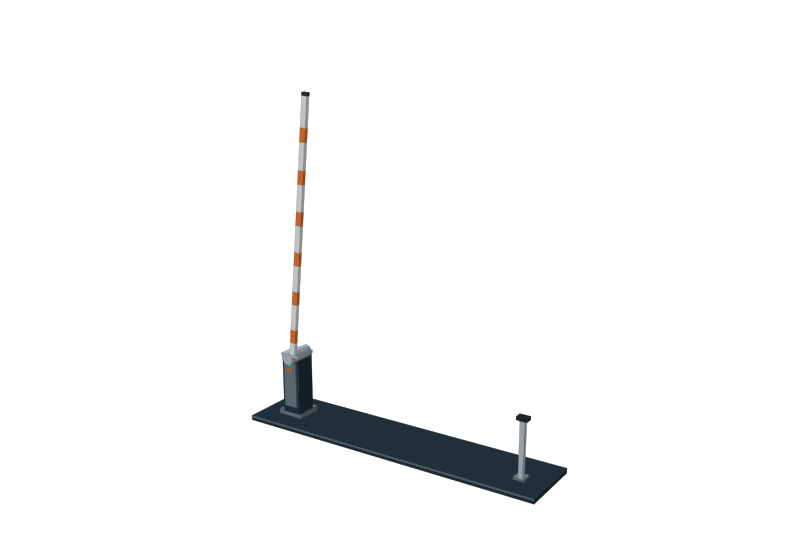
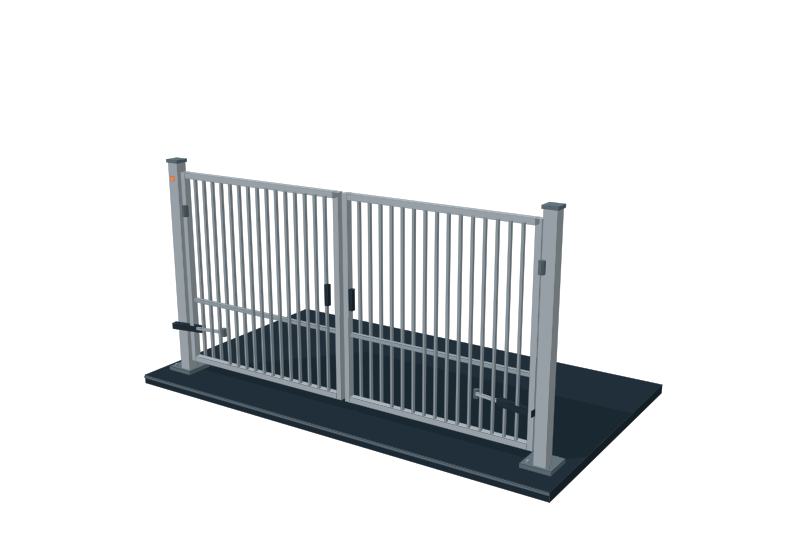
Swing, sliding and boom-gate controls, organised by access point. Give authorised operators a consistent way to manage the connected entrances at your site.
Plan approved access hours around daily operations and venue hire, with schedules applied through your configured onsite setup.
Review recorded access events and operator actions, with requested movements and reported gate positions kept clear.
Route configured person-detection events to the nominated people for your site, using compatible detection equipment.
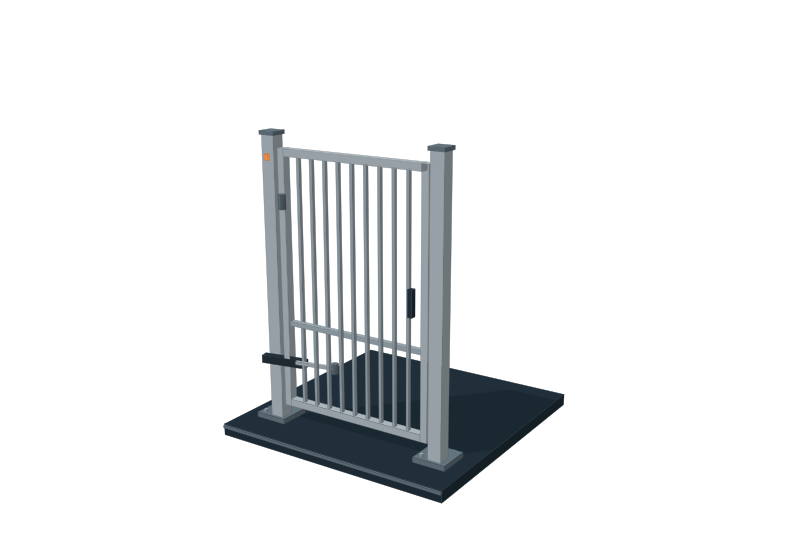
Open and close a sample gate, or preview a person-detection alert. This browser demonstration uses simulated states and has no connection to physical equipment.
INTERACTIVE DEMO · SAMPLE DATA
Open or close the 3D gate. Drag the model to inspect its frame and hinges.
From a shared driveway to a busy commercial facility, MagicKeys is configured around the people, equipment and access rules at your site.
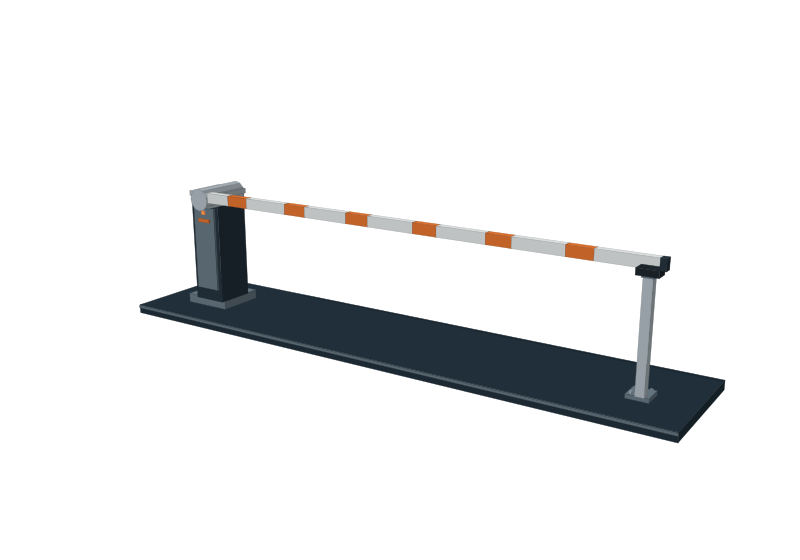
Give facilities and security teams a consistent workspace for configured entrance controls, approved access hours and recorded activity.
Choose a configuration around your entrances, schedules, operator roles and optional packages. These concepts show two ways a site could look.
Bring configured gate access, school-hour schedules and approved venue bookings into one site workspace.
Plan approved hire times, configure entrance access and give your nominated operators the controls agreed for the venue.
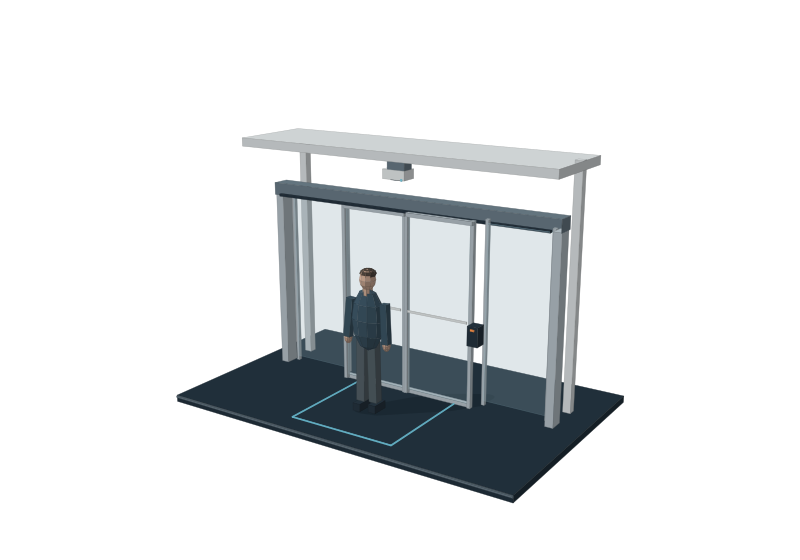
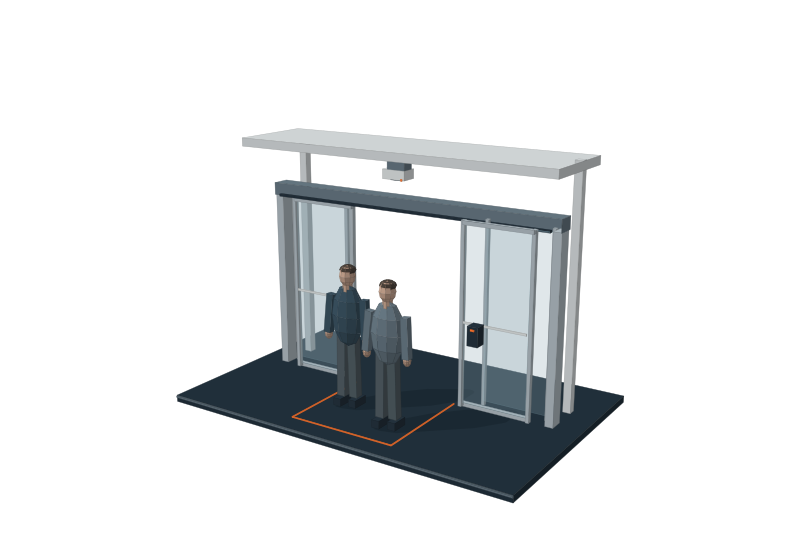
Connect compatible person-detection equipment to MagicKeys. Set a permitted person count and route configured events to the nominated people for your site.
Discuss person detectionA configured detection event at the foyer can prompt an alert for your nominated team.
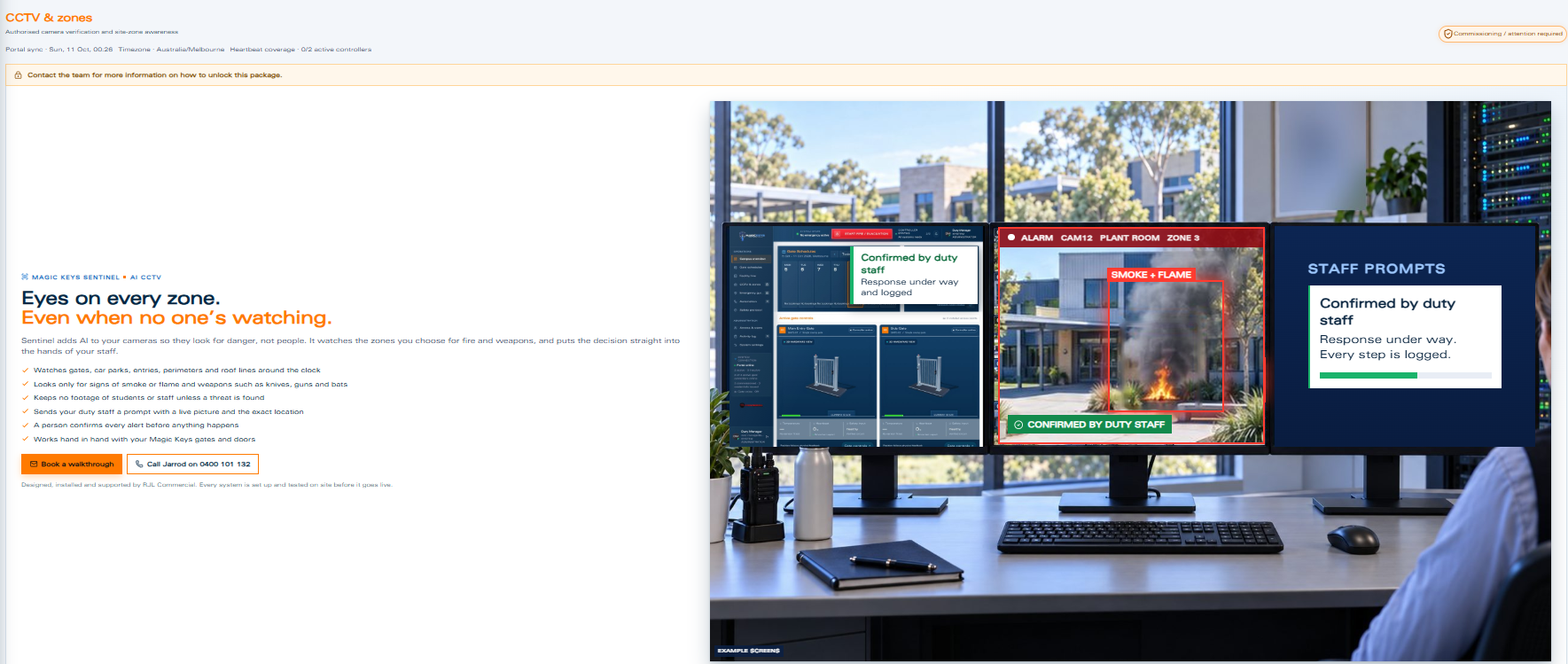
Extend MagicKeys with optional Sentinel CCTV and Emergency Guidance. Each package is tailored to your equipment, layout and agreed procedures.
Eyes on the zones
that matter to your team.
Connect compatible cameras and configured detection events with a clearer staff prompt: what was flagged, where it happened and the image to review.
From the first prompt
to a clearer way forward.
Bring staff confirmation, projector messages and configured gate responses into an agreed site plan. The package is tailored to your layout, equipment and procedures.
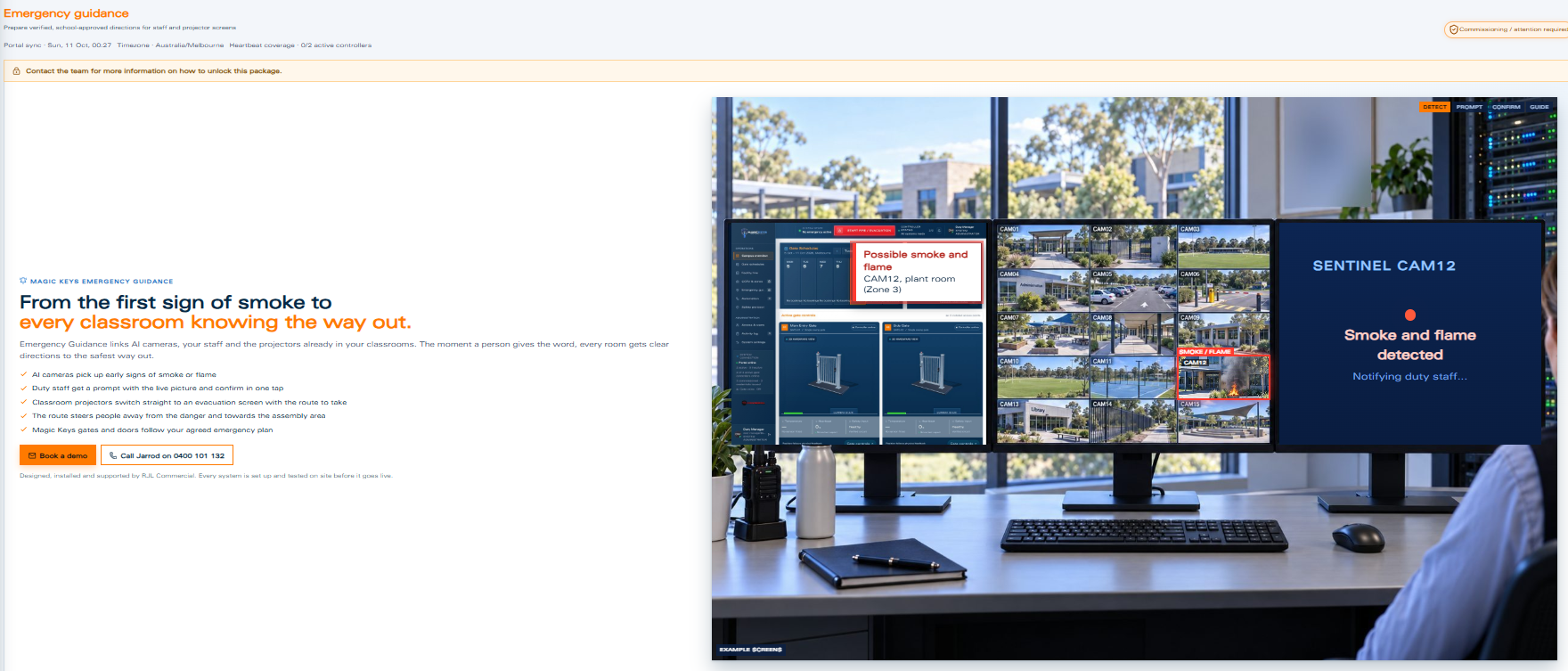
Illustrative example screens · Package scope and responses are agreed for each site.
Have a site in mind? Talk through the equipment, access needs and optional packages.
Contact the team · 0400 101 132The software is one part of the system. Your equipment, onsite connections and user permissions shape the final experience.
We review your entrances, existing equipment and the way your team needs to manage access.
Compatible controllers and detection devices are connected, with access rules and alerts configured for your site.
Operation and feedback are checked onsite before your authorised team receives access to its workspace.
Built around your onsite equipment. Reported gate positions depend on connected feedback. Local safety devices and the commissioned installation remain essential to gate operation.
Already using MagicKeys? Open your organisation's secure workspace using your existing approved account. All of your site controls, schedules and permissions remain in your dedicated portal.
SECURE WORKSPACE ACCESS
Select your site to sign in to its existing MagicKeys portal.
Tell us about your entrances, existing equipment and the way your team works. RJL Commercial will discuss a MagicKeys setup for your site.
Contact the team · 0400 101 132 Visit RJL Commercial ↗Compatibility depends on the controller, available connections and site requirements. RJL Commercial can assess your equipment before proposing an integration.
MagicKeys can be configured for different site types, including commercial facilities, body corporate properties, education and logistics sites. The scope is agreed for each installation.
It connects compatible person-detection equipment to configured events and alerts. The permitted person count, recipients and response are set for the commissioned installation.
Sentinel CCTV and Emergency Guidance are separate options. Their scope depends on your cameras, projectors, gate controllers and agreed site procedures. RJL Commercial can discuss a suitable package.
The existing MagicKeys portal handles client sign-in. Use the portal link provided for your site, or contact RJL Commercial if you need your login address.