Today, at a glance
The Today page opens with the local weather for the school. Gate control for your commissioned gates is part of the plan.
Staff open the commissioned gate from the office. Existing door access is assessed on the doors the school already has. CCTV views are MagicKeys Advanced and need their own commissioning. We write the scope and the monthly total before you commit.
More than 5,889 completed RJL jobs. 40+ years combined experience. 24/7. Thomastown, Melbourne.
School staff sign in to Magic Keys 4 Schools. Each school sees its own site and the parts on its plan. The picture is the portal preview with sample data.
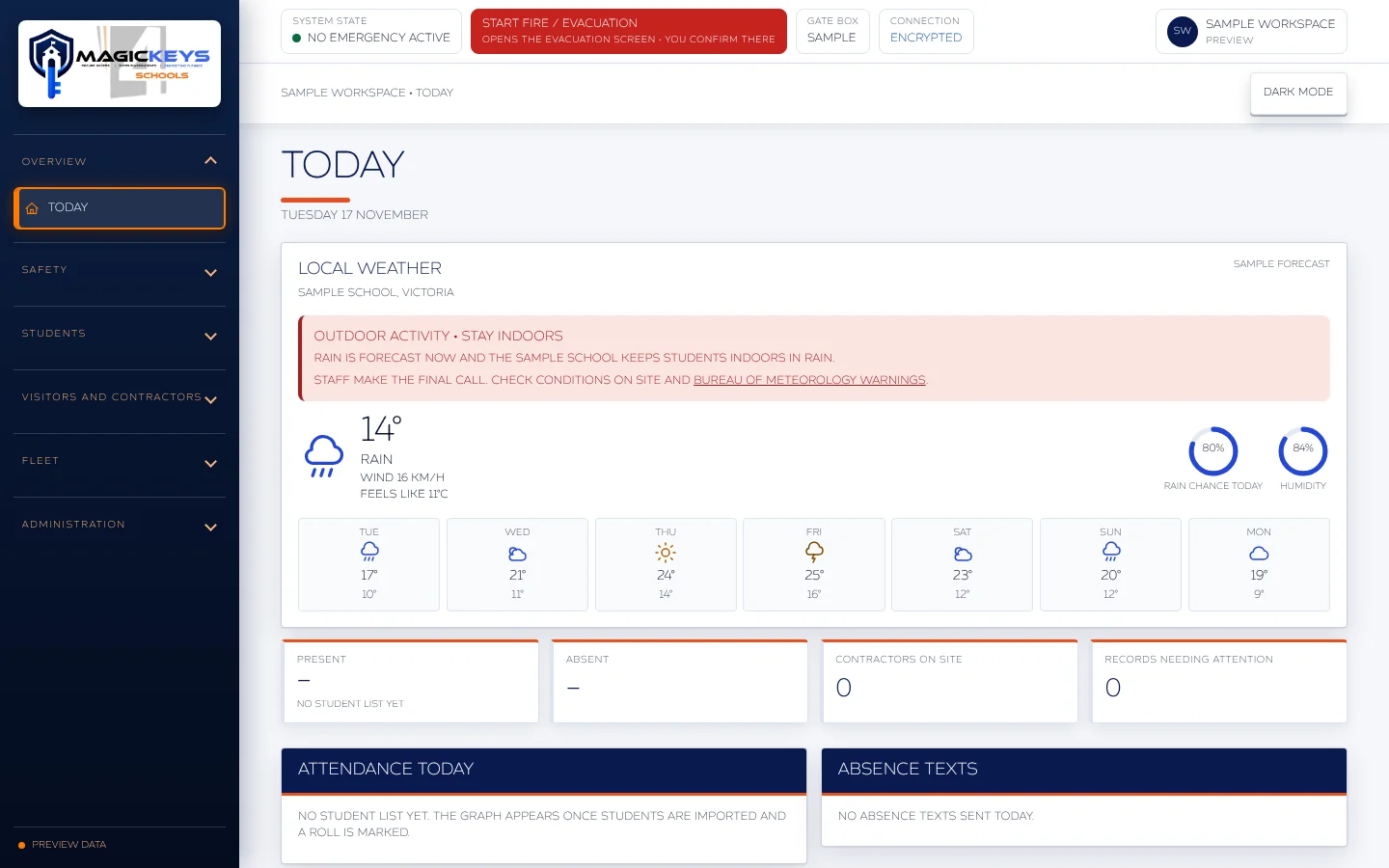
Some menu sections are optional and some are still being built. Your written scope lists what your school gets. This picture does not open a gate.
The Today page opens with the local weather for the school. Gate control for your commissioned gates is part of the plan.
The plan starts with your commissioned gates and their after-hours and weekend schedules. The person you name runs them.
Other parts of the portal stay locked until the school adds them. Each one is an amount in writing before it is switched on.
Staff see their own school. Clients see only the gates assigned to them.
A school entrance has three jobs. The day needs the gate open at drop-off and shut when the day ends. A hirer needs one entrance for a set window. Readers and cameras already on the campus can stay where we can connect them. Compass stays the school record.
You need the gate open at drop-off and shut when the day ends. The person you name runs the schedule from the login. Schedules are part of this plan. They are not an Advanced extra.
You name the hirer, the gate or door, and the window. We end that window at the finish. Hire does not add a second gate for free.
Readers and cameras you already have can stay where we can connect them. Existing door access is assessed. A camera view stays off until we show the amount. CCTV and PTZ are MagicKeys Advanced and need their own commissioning.
MagicKeys is the entrance workspace. Compass stays the school record. A connection needs the school and Compass, on a supported interface. It is not included because the school already uses Compass. Until that connection is written into the scope, staff keep the school record in Compass and open the commissioned gate in MagicKeys.
An ACB-004 is assessed the same way. The school authorises the connection, and the readers, the locks and the network link have to be ones we can support. It is not an automatically included or commissioned integration.
The base plan is one owner login, Open on the commissioned gate, and that owner's recent activity. Anything else is shown as an amount before it is switched on.
We test Open and Close with you on site. The person you name uses those controls after handover. A hold is only on a gate we have commissioned for it.
Schedules are part of the entrance workspace. The person you name can change them. Morning drop-off, afternoon pickup and the staff hours you set are written in the scope.
You set the hirer, the entrance and the times in the login. We end that window at the finish. Hire does not add a second entrance for free.
We assess existing door access you already have. A camera view stays off until we show the amount and commission it. CCTV views, PTZ, emergency guidance and projector broadcasts are MagicKeys Advanced.
The owner sees their own recent Open on the commissioned gate: which gate, what they did, and the time they did it. Clients see only the gates assigned to them.
Staff open the commissioned gate from this screen. The same login sits on the office desk, on the reception screen, and on the desk after hours for bookings.
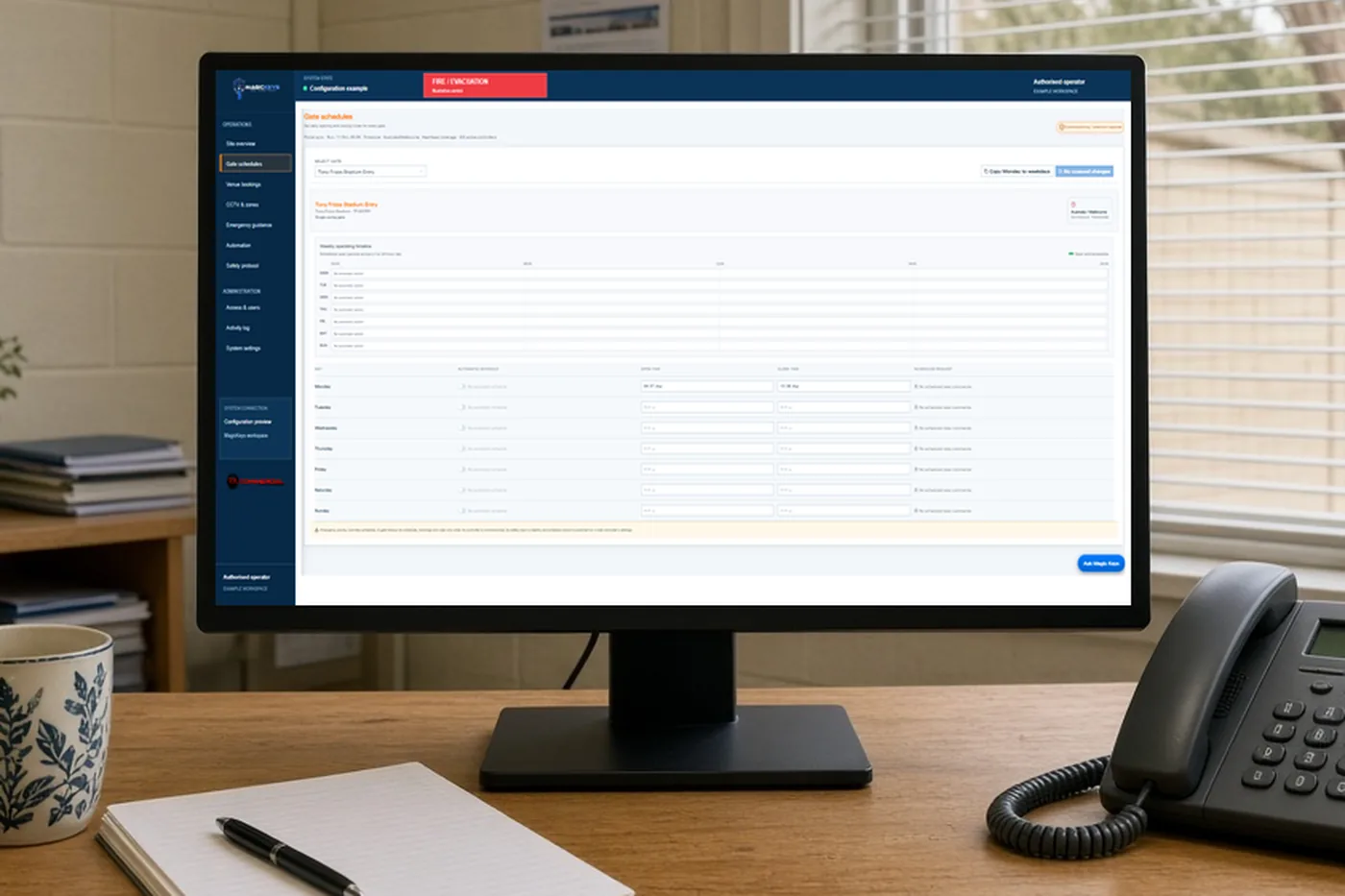
The buttons only change the picture. A phone we have not added does nothing. You see only the gates assigned to you. A portal pulse runs only where we commissioned it. A reported position needs a sensor. Safety devices stay in charge.
These pictures are examples. They are not a photo of your campus. This page does not open a gate or a door.
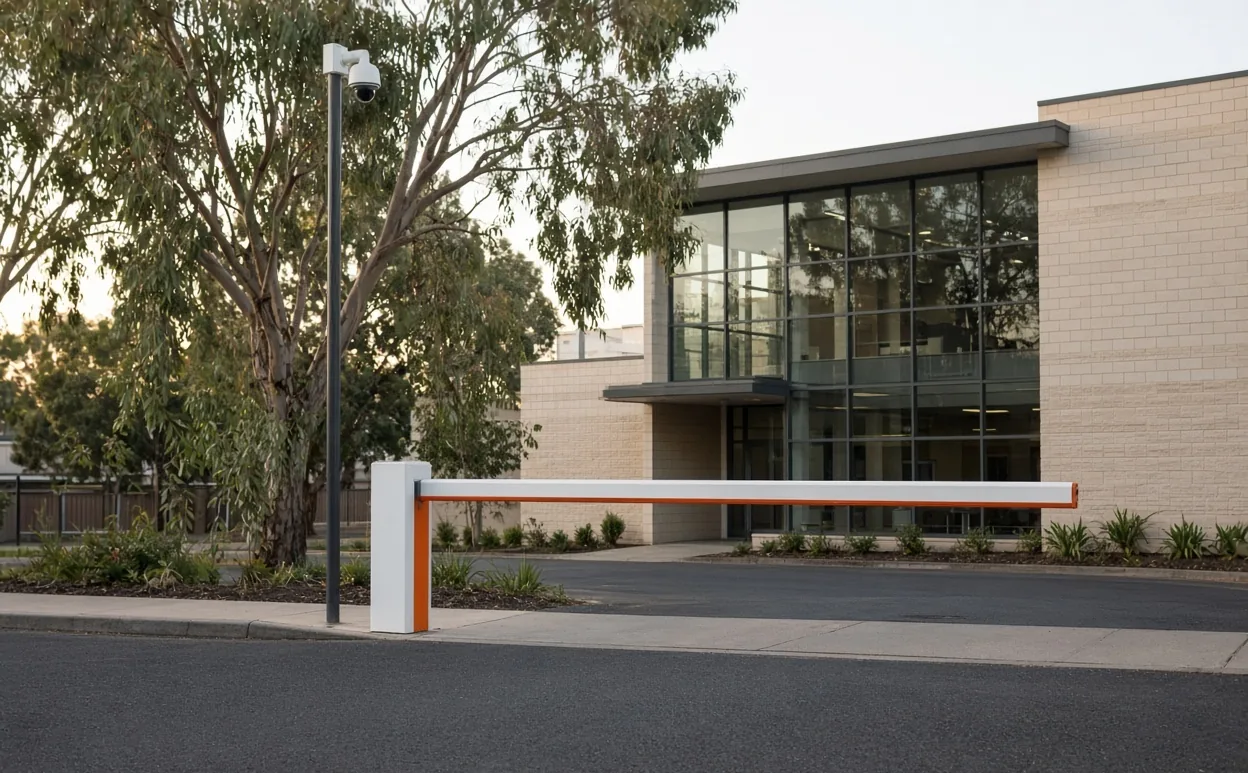
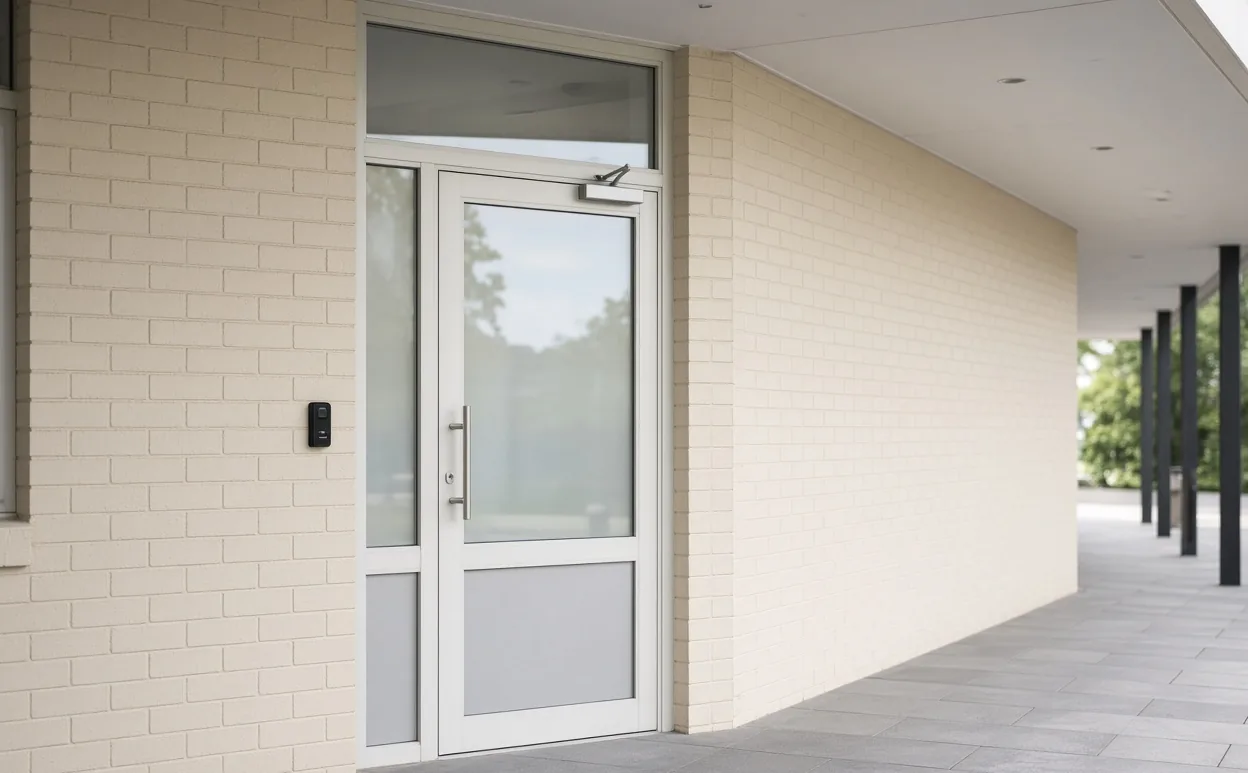
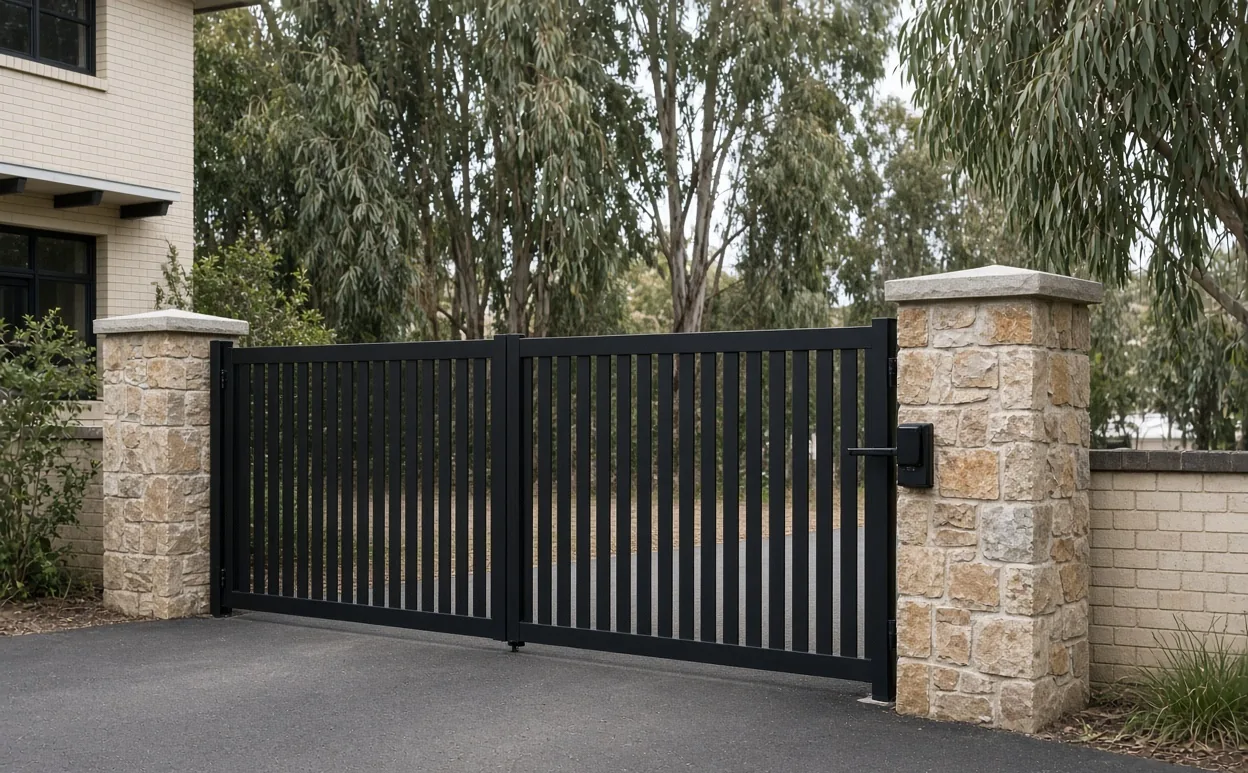
Examples only. Not your campus. This page does not open a gate or a door.
These figures are RJL's. They are not a count of schools, and they are not a rating.
We have finished more than 5,889 jobs at RJL. That figure is not a count of schools.
That is combined experience at RJL. It is not the age of the app.
Ring 0400 101 132 at any hour when a gate or motor is stuck. The visit is a call-out. It is not inside the access plan.
The monthly total is written before anything is switched on. The pictures on this page do not move a gate.
Schedules are part of this plan. They are not an Advanced extra. You give us drop-off and the end of the day, and the person you name runs that schedule from the login. Term dates and exceptions are written in the scope before we commission them.
You name the hirer, the gate or door, and the window. We end that window at the finish. Hire does not add a second gate for free. A second gate is shown as an amount before it is switched on.
Compass stays the school record. A connection needs the school and Compass, on a supported interface. It is not included because the school already uses Compass.
An ACB-004 is assessed the same way as Compass. The school authorises the connection, and the readers, the locks and the network link have to be ones we can support. It is not an automatically included or commissioned integration.
Threat and fire detection is in development. A person reviews the alert and acknowledges it before any agreed response. It does not replace the school's required fire systems. It does not open a gate. It is not included until we confirm it in writing.
If the plan stops, the app stops for the whole site. The base plan is one owner login, Open on the commissioned gate, and that owner's recent activity. An extra person, a guest key, an extra phone number, a left-open alert, a camera view or a second gate is shown as an amount before it is switched on.
A person reviews the alert and acknowledges it before any agreed response. It does not replace the school's required fire systems. It does not open a gate. It is not included until we confirm it in writing.
The walk is free. The scope and the monthly total come in writing. Then we commission the entrance.
We walk the entrances with you. The walk is free. You show us the gate, the doors you want assessed, and who should run the login.
We send the scope and the monthly total in writing. An extra person, a guest key, an extra phone number, a left-open alert, a camera view or a second gate is an amount on that page before it is switched on.
We commission the entrance. The staff you name run it, as that scope lists them. If the plan stops, the app stops for the whole site.
Call 0400 101 132 or email info@rjlcommercialgroup.com. Request a client login. The sign-up form does not ask for a password. We will be in touch shortly.
RJL Commercial. Thomastown, Melbourne. Safety devices stay in charge. A reported position needs a sensor. A portal pulse runs only where we commissioned it. Pictures on this website do not move a gate. A phone we have not added does nothing. Clients see only assigned gates. Emergency guidance does not replace the school's emergency procedures.